



About Ragdoll Sandbox
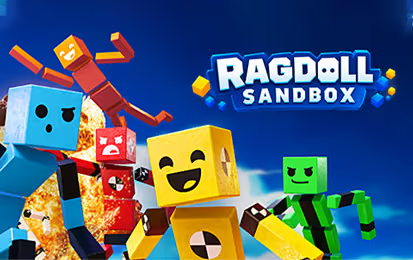
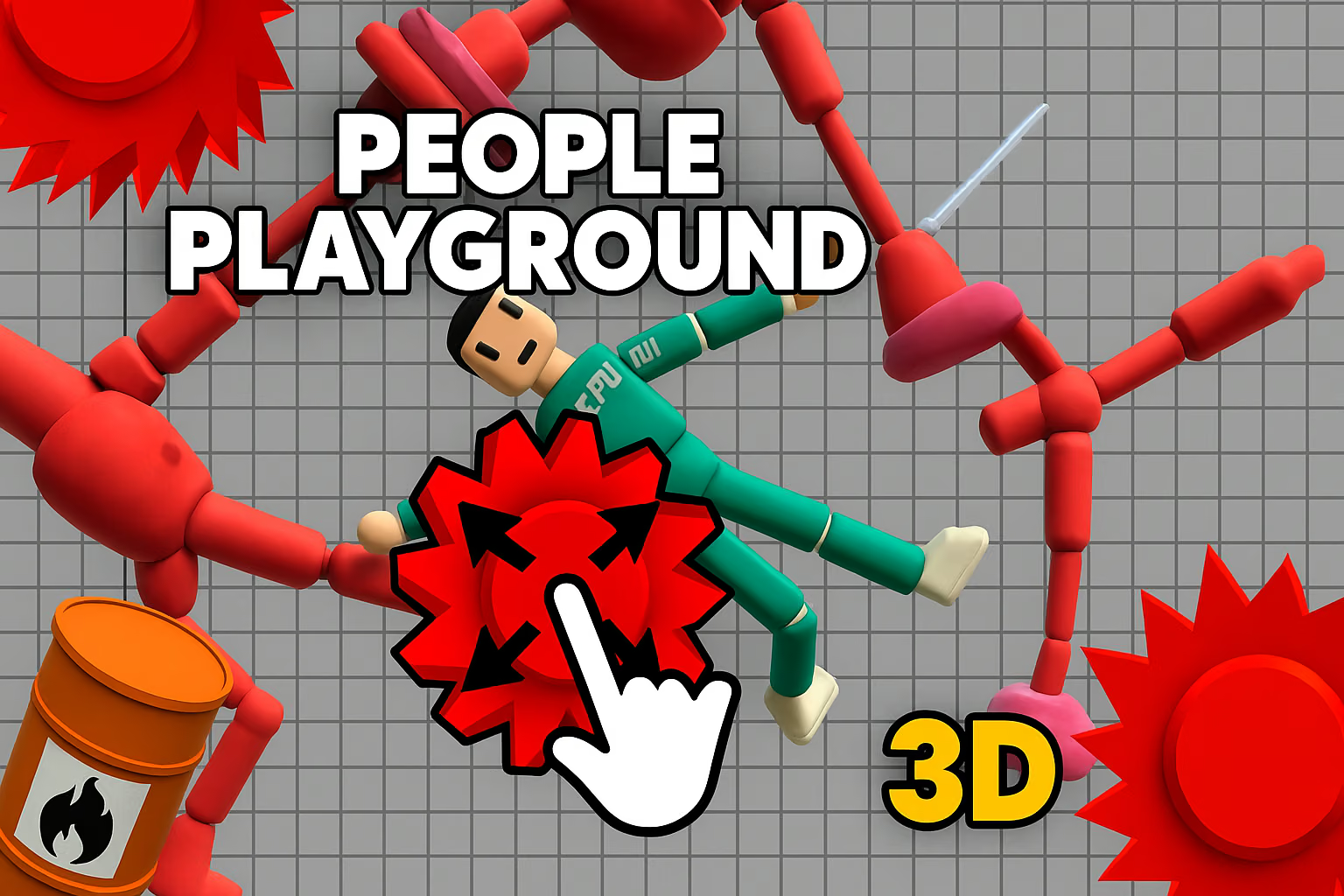
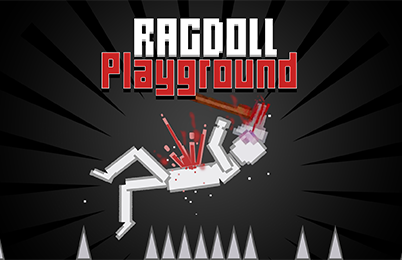
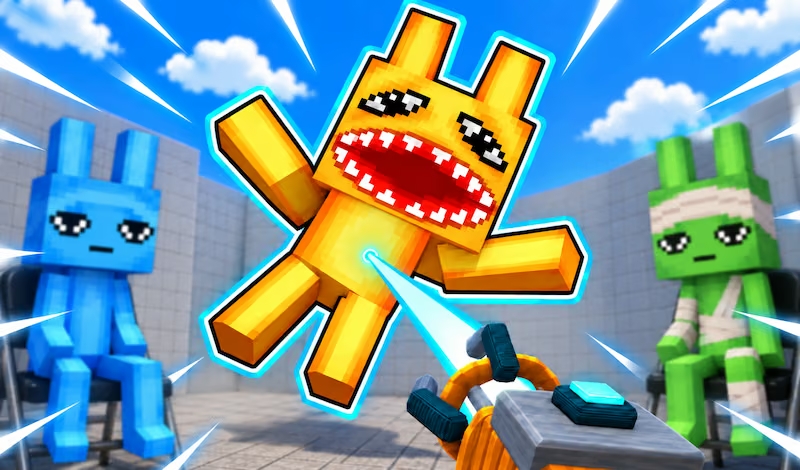
Ragdoll Sandbox is a 3D physics playground built around creating situations and watching them unfold. You can arrange objects, introduce a ragdoll character, and explore how movement and collisions affect the scene. The emphasis is on trying ideas: a simple obstacle can become a challenge, a test, or the first piece of a larger construction.
The game offers a Sandbox mode for building, alongside mini-game challenges and environments to explore. These choices suit different sessions. You might spend one visit arranging a course, then start another by entering an existing setting and moving through it. In each case, the same practical question guides you: what happens when the character meets the objects in its path?
For a first experiment, resist filling the entire area at once. Place a small number of objects where you can see them, add the character, and observe the result. A clear starting arrangement makes it easier to tell which object redirected a fall or changed the next movement. Once you understand that interaction, add another piece and compare the new result with the first.
How to Play Ragdoll Sandbox
Choose whether you want to build a scene, try a mini-game, or explore an available environment. In Sandbox mode, your goal can be as simple as testing one interaction or as involved as creating a course for the character to navigate.
- Choose a starting mode. Sandbox is useful when you want to arrange your own objects. A mini-game gives you a more defined activity to try.
- Look around the available space. Notice where the character starts and how much room you have before placing the first object.
- Open the item menu and make a small setup. Choose a few objects and arrange them with enough separation to observe their effects.
- Introduce the ragdoll and test the scene. Watch the character’s path and the objects it meets rather than changing the whole arrangement immediately.
- Revise one part of the setup. Move or replace one piece, run the idea again, and compare the result with your previous attempt.
You do not need a complicated construction to make a useful test. For example, place one object in the character’s path and observe where it moves after contact. Then move that same object to a different position. The comparison helps you understand the role of placement before adding more pieces to the course.
A personal objective can give a sandbox session direction. Try creating a route from one side of the area to the other, or arrange a set of obstacles and see whether the character can make it through. The objective is your own choice; free building does not require the game to provide a score or a fixed level sequence.
Controls & Timing
Building before testing
Use the item menu to choose the pieces for a scene, then position them before introducing the character. Separating setup from the first test makes it easier to understand what happened. If a result is difficult to follow, remove some pieces or spread them farther apart.
Watching the first contact
The first collision can affect everything that follows. Watch the direction in which the character moves after meeting an object, then consider whether the next piece is in a useful position. A small adjustment near the beginning of a route may be more useful than adding several objects at the end.
Trying a challenge
Mini-games give you a specific activity rather than an open-ended building task. Read the objective and controls displayed for the selected challenge before starting. Use an early attempt to learn where the character needs to go and where movement becomes difficult.
Exploring an existing environment
When you enter a ready-made world, look at its layout before choosing a route. Familiar landmarks help you understand where an action took place and return to the same area for another attempt. The available environment can give you ideas to try in a scene of your own.
Controls
Follow the on-screen prompts to move around, choose items, and interact with your scene.
| Action | Use |
|---|---|
| Move and look | Explore the environment and approach a place where you want to build or play. |
| Open the item menu | Browse the objects available for a setup. |
| Place and adjust objects | Arrange the pieces of your scene before testing. |
| Interact with the scene | Try the selected object or move through the environment. |
High Score Tips
Sandbox play is open-ended. Use these tips to plan experiments and complete the objectives you set for yourself.
- Give the first attempt one purpose. Decide whether you want to observe a fall, reach a location, or complete the current challenge. A single purpose makes it easier to judge what to change afterward.
- Keep the starting scene readable. A few spaced objects let you see the character’s route. Once you can identify what each piece contributes, add another object where it serves a purpose.
- Change one position between attempts. Moving several pieces at once makes the result harder to interpret. Compare the same setup with one different placement to learn how that placement affects the path.
- Make room for the next interaction. Consider where the character might move after its first contact. Place the next obstacle where it can actually be reached, rather than arranging every object around the starting point.
- Read the mini-game objective before acting. A challenge may ask for a different kind of movement than your previous sandbox experiment. Identify the target and the relevant controls before committing to a route.
- Reuse an idea in a different setting. A layout that is easy to follow in an open area may need more space in a busier environment. Keep the concept simple, then adapt its positions to the space available.
Key Features
- Buildable scenes: Arrange objects to create a setup or an obstacle course of your own.
- Ragdoll movement: Character motion and object interactions are central to each experiment.
- Sandbox mode: Choose an activity without following a fixed campaign.
- Mini-game challenges: Try shorter activities with defined objectives.
- Explorable environments: Enter existing settings when you want to play without building first.
- Character customization: Personalize the ragdoll using the options available in the game.
Frequently Asked Questions
What do I do first in Ragdoll Sandbox?
Choose Sandbox mode and begin with a small arrangement. Place a few objects where you can see them, introduce the character, and observe the first interaction. Then adjust one part of the scene to see what changes.
Do I have to build a course?
No. Building is one way to use the sandbox, but you can also explore an existing environment or select a mini-game. Start with the activity that interests you and return to building when you have an idea to test.
How can I make an experiment easier to understand?
Reduce the number of objects and leave space around the character. Watch the first contact, then repeat the setup after moving one object. Comparing those two attempts gives you a clearer view of the effect of your change.
Does every session have a score?
The open Sandbox mode is described as a place for free experimentation rather than a fixed scoring challenge. For a structured objective, choose a mini-game and follow the instructions displayed in that mode.
Can I change the character’s appearance?
The game offers character customization options. Open the available customization controls in the game to see which appearances you can currently select.
What should I do if the controls look different from another guide?
Follow the controls shown in the game for the action you want to perform.