
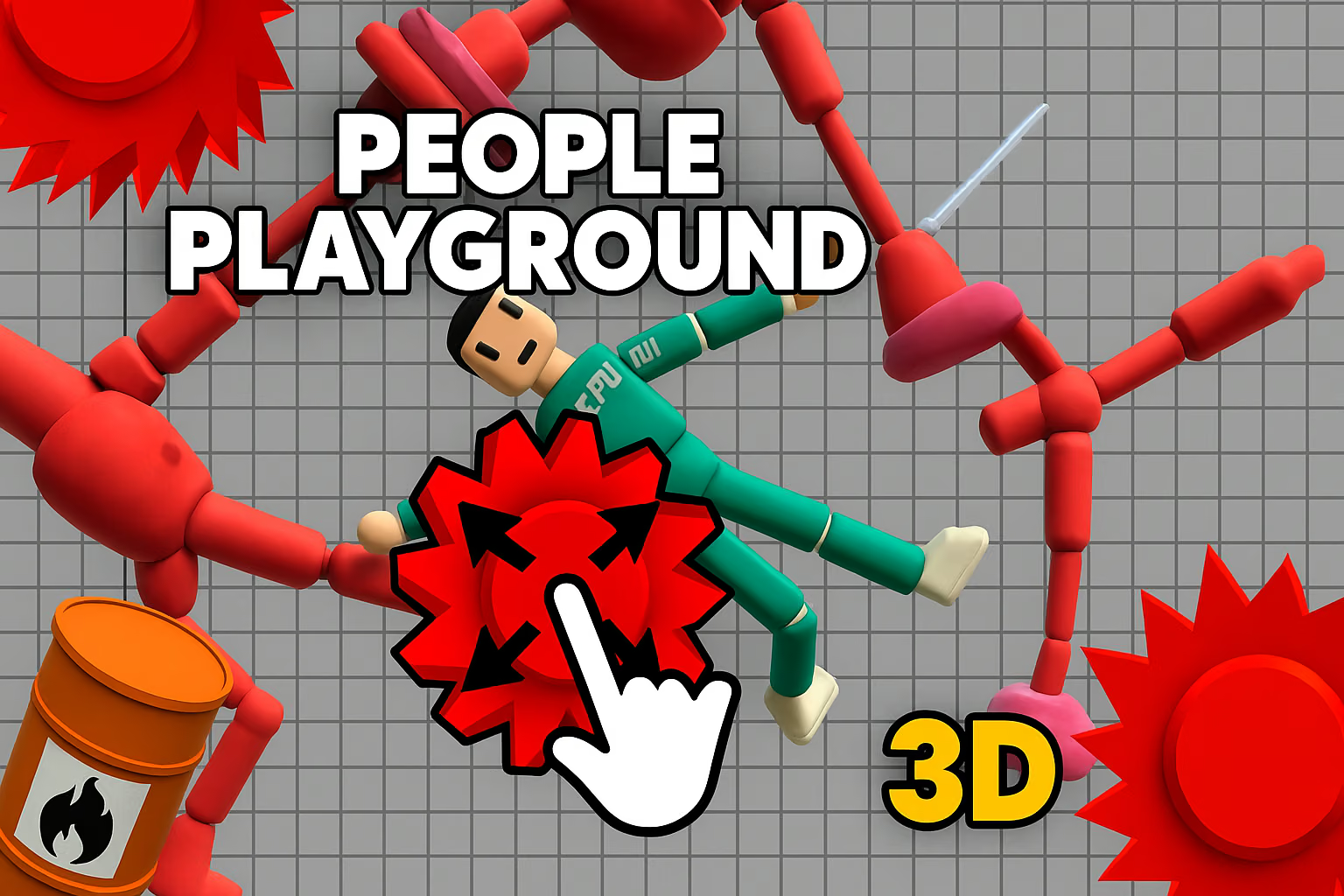
About People Playground 3D
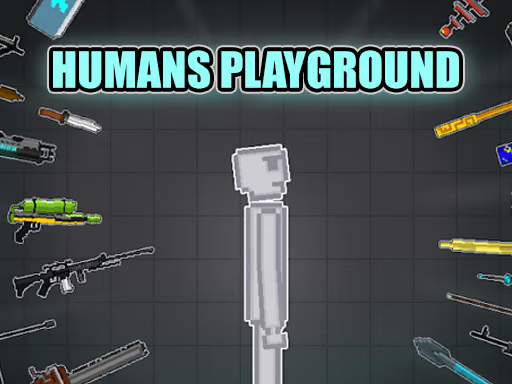
People Playground 3D combines a buildable arena with ragdoll-style team encounters. You place Red and Blue fighters and arrange objects, weapons, and traps around them, creating a scene whose outcome depends on the starting layout and the movement that follows.
The useful decision happens before the action begins: where should the teams start, and which parts of the arena should affect their routes? A clear layout is easier to read than a crowded one. Begin with a few pieces, watch the encounter, and use what you observed to design the next setup.
How to Play People Playground 3D
Use the available menu to assemble the arena and position the two sides. Then start the encounter using the game’s displayed controls and follow how the setup affects movement.
- Select a fighter or object from the menu.
- Click and drag it into the battlefield.
- Place the Red and Blue teams with enough room to see their initial positions.
- Add a small number of arena objects and start the scene.
- Observe the encounter, then alter the layout for another experiment.
Controls & Timing
Position changes the opening
Where the fighters begin determines how they approach the first encounter. Place the teams where you can see the space between them, then compare a second setup with a different starting arrangement.
Objects shape the route
An object matters when a fighter can reach it. Watch the first path through the arena before adding more obstacles; otherwise, a crowded layout can make it hard to understand which piece affected the action.
Controls
| Input | Action | When to use |
|---|---|---|
| Mouse click and drag | Place an object or fighter from the menu | Build the initial arena. |
| Displayed game controls | Start or adjust the current scene | Follow the prompts for the selected setup. |
Use the mouse to place objects and follow the on-screen prompts for additional actions.
High Score Tips
Use these tips to design scenes and compare your experiments.
- Start with a clear opening. Give each team a visible starting position. This makes the first movement easier to follow.
- Place a single obstacle on a likely route. Watch whether either team reaches it before adding more objects to the battlefield.
- Change one starting position. Keep the rest of the arena familiar and compare how the new position changes the opening encounter.
- Use the available space. Separate nearby pieces when their effects overlap; spacing makes individual interactions easier to distinguish.
- Review the whole encounter. The first contact is only part of the result. Follow where the fighters move afterward before deciding which arena element to adjust.
Key Features
- Two teams: Arrange Red and Blue fighters in the same arena.
- 3D battlefield: Build and observe a scene with depth.
- Drag-and-drop placement: Use the mouse to position fighters and objects.
- Custom layouts: Change the arrangement between experiments.
- Ragdoll reactions: Movement and collisions affect how an encounter unfolds.
Frequently Asked Questions
What am I building?
You are arranging a battlefield for Red and Blue fighters. Choose available pieces from the menu and place them where you want the encounter to happen.
How do I place a fighter?
Use the mouse to click and drag the fighter from the menu into the battlefield. The same placement approach is described for objects.
Does every arena need many objects?
No. A small layout can make the first encounter easier to follow. Add pieces gradually when you want to explore how a different arrangement affects the action.
What can I change between attempts?
Try changing the starting positions or the placement of a particular object. Keeping the rest of the arrangement similar gives you a useful basis for comparing the two runs.