

About No Pain No Gain
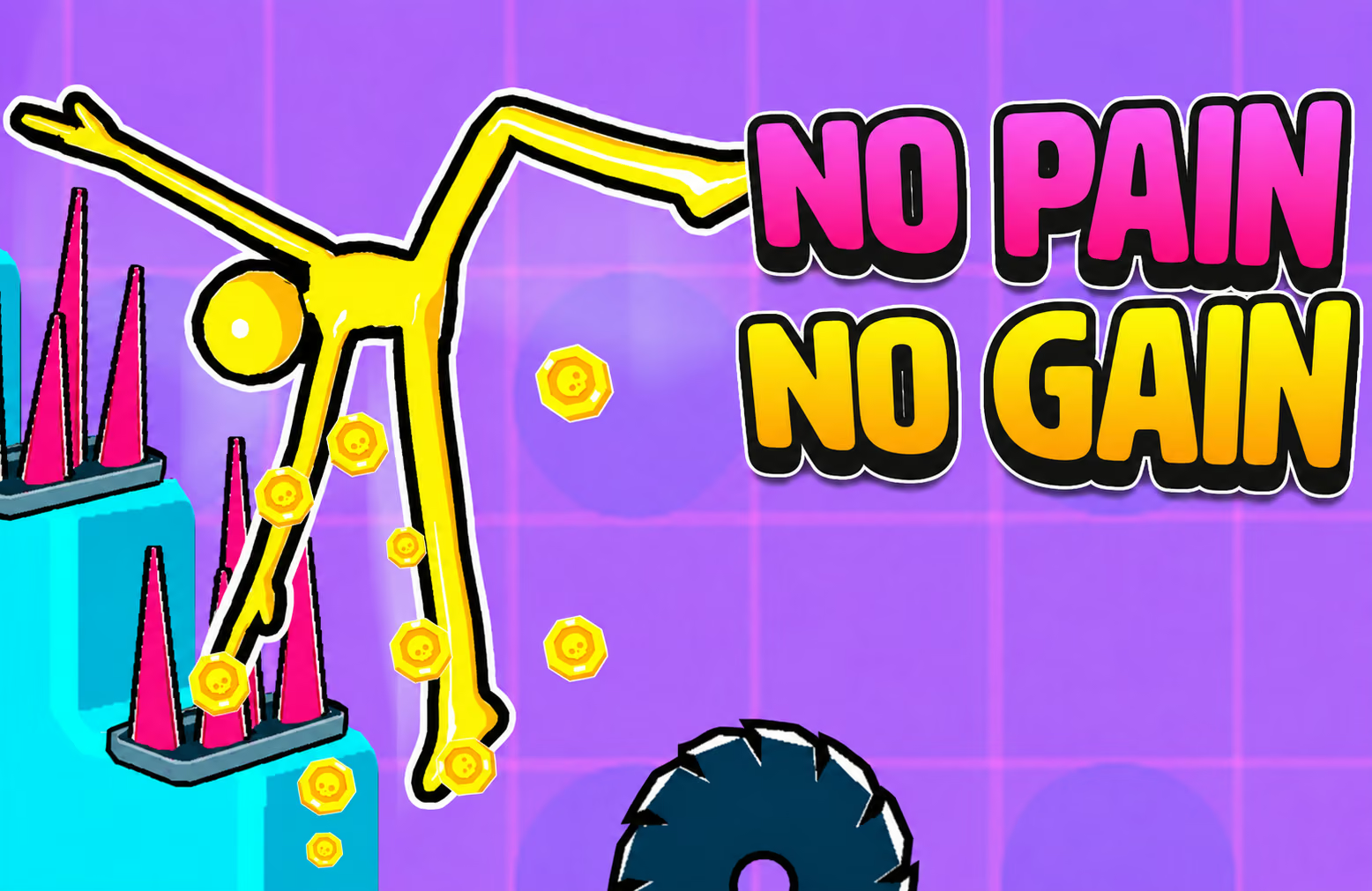
No Pain No Gain is an obstacle-building game in which a stickman moves through a scene shaped by your placements. Stairs and rotating devices can redirect the character, and the collisions that follow contribute to the coins earned during a run.
The challenge is to make the arrangement work as a route. A device near the end is only useful if the character reaches it, so start with the first contact and watch what happens next. As you earn coins, additional obstacles become available for later layouts.
How to Play No Pain No Gain
Choose obstacles, place them in the scene, and test how the stickman travels through the resulting course.
- Select an available obstacle and drag it into position.
- Arrange the first piece where the character can reach it.
- Add another obstacle near the expected path after the first interaction.
- Start the run using the displayed game control and watch the route.
- Review the coins earned, adjust a placement, and try another arrangement.
Controls & Timing
Place for the next contact
The first bounce can change where the character goes. Watch that transition before deciding where the next object should sit; a tool placed outside the observed path may not participate in the run.
Use a repeatable comparison
Keep most of the layout unchanged while testing a different position. If the route extends or stops sooner, you have a clearer basis for deciding whether the adjustment helped.
Controls
| Input | Action | When to use |
|---|---|---|
| Left mouse button | Drag and position obstacles | Arrange stairs and devices before a run. |
| Displayed game control | Start or manage the attempt | Follow the interface for the current setup. |
Use the mouse to place items and follow the on-screen prompts for other actions.
High Score Tips
- Make the opening predictable. Use a simple first arrangement so you can identify where the character goes after the first contact.
- Build along the observed route. A later obstacle is more useful when it sits near a path the stickman actually follows.
- Separate neighboring devices. Leave enough room to see which piece redirected the character and which one was missed.
- Compare one change. Move one obstacle while keeping the rest of the course similar, then compare the route and coins earned.
- Choose new obstacles for a gap. Use coins to expand a setup you understand instead of adding a piece without a clear role.
Key Features
- Custom obstacle placement: Arrange pieces to shape a route.
- Ragdoll motion: The stickman's movement responds to collisions.
- Different devices: Stairs and rotating obstacles affect the course in different ways.
- Coin rewards: Runs produce currency for further progression.
- Additional obstacles: Unlock more pieces as the game advances.
Frequently Asked Questions
What am I trying to build?
Arrange available obstacles into a course that the stickman can interact with. Observe the resulting route and use coins earned during the run to expand later setups.
How do I move an obstacle?
Use the left mouse button to drag pieces into position. Follow the on-screen prompts to select and start your setup.
Why did a device have no visible effect?
It may not have been on the character's route. Observe the first bounce and move the next piece closer to the area the stickman actually reaches.
What do coins do?
Coins earned from interactions support progression and the unlocking of additional obstacles. Choose a new piece that helps with a specific part of your course.