
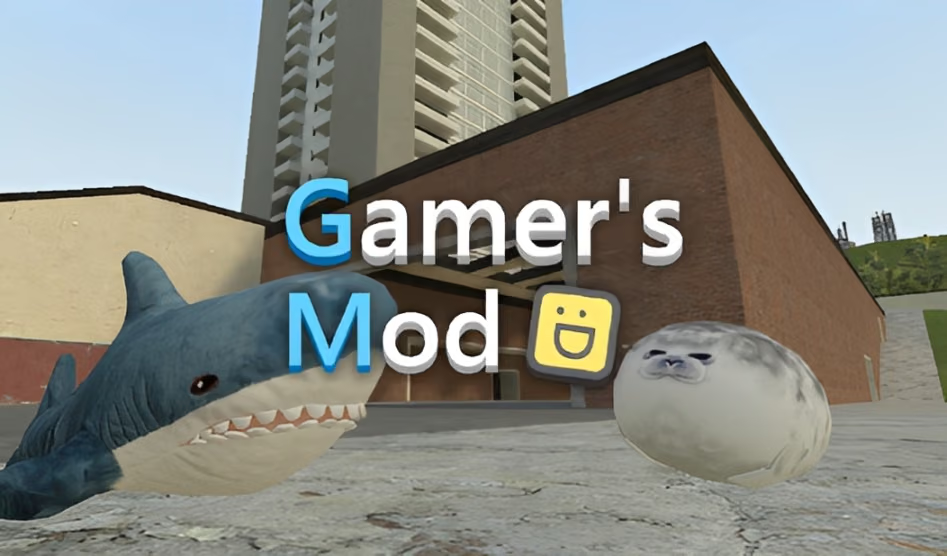


About Gamer's Mod
Gamer's Mod is a sandbox game with open maps, a spawn menu, and several ways to arrange a scene. Place props, vehicles, characters, and computer-controlled participants into the environment. You can build a structure, set up a course, or explore a different activity in the same general space.
The game's range of tools makes a simple first objective useful. A small tower, for example, gives you a manageable way to learn placement before you work on a larger construction. You can then observe how the pieces react when the scene changes and revise the arrangement.
How to Play Gamer's Mod
Enter an available map, use the spawn menu to create a scene, and experiment with the pieces you selected.
- Move around the map and choose a clear place to begin.
- Press Q to open the spawn menu and choose an available prop or character.
- Arrange a few pieces around a simple objective, such as a ramp or small structure.
- Use the current tool or interaction to test the scene.
- Change an object or select another activity after observing the result.
Controls & Timing
The spawn menu starts a setup
Press Q to access available items. Choose pieces that serve the scene you have in mind; a few well-spaced objects make it easier to see how each one contributes.
Movement and interaction work together
Use movement to approach the part of the environment you want to inspect, then use the relevant interaction. If you change equipment, check the current selection before clicking.
Controls
| Input | Action | When to use |
|---|---|---|
| WASD or arrow keys | Move | Explore the map. |
| Mouse | Look | Inspect the scene. |
| Q | Open the spawn menu | Choose objects and characters. |
| E | Interact | Use the available environmental interaction. |
| Mouse wheel or 1–6 | Change equipment | Select a different available tool. |
| Z | Delete an object | Remove a selected piece as supported by the game. |
| F | Toggle flashlight | Change the available light. |
Follow the in-game prompts for additional actions.
High Score Tips
The sandbox's open activities are not presented as one shared scoring challenge. These suggestions help you build and compare scenes.
- Give the scene one purpose. A ramp test, a small tower, and a chase are different activities. Choose one before selecting the first objects.
- Leave room to inspect. Walk around the setup to check the spacing between pieces and the path through it.
- Add one moving element at a time. A clear first interaction is easier to follow than several simultaneous events.
- Use a familiar layout as a baseline. Change one prop or starting position and compare how the new version behaves.
- Keep equipment choices deliberate. Switching tools changes what a click may do. Confirm the selection before interacting with your construction.
Key Features
- Open maps: Choose a place for a custom scene.
- Spawn menu: Select props, characters, and vehicles.
- Physics building: Arrange structures and observe their interactions.
- Different activities: Build a course or try another available scenario.
- First-person movement: Move around and inspect a setup from different viewpoints.
Frequently Asked Questions
How do I add an object?
Press Q to open the spawn menu and choose an available item. Follow the prompts in the current version to place it in the scene.
Do I have to follow a single mission?
The game is an open-ended sandbox with different activities. You can choose a building idea or another scenario rather than expecting one fixed mission order.
How can I understand a complex setup?
Begin with fewer pieces and observe the first interaction. Add another object only after you can see how the existing arrangement behaves.
What can I create in Gamer's Mod?
Use the available maps, props, and tools to build structures, set up courses, or create your own scenarios.