
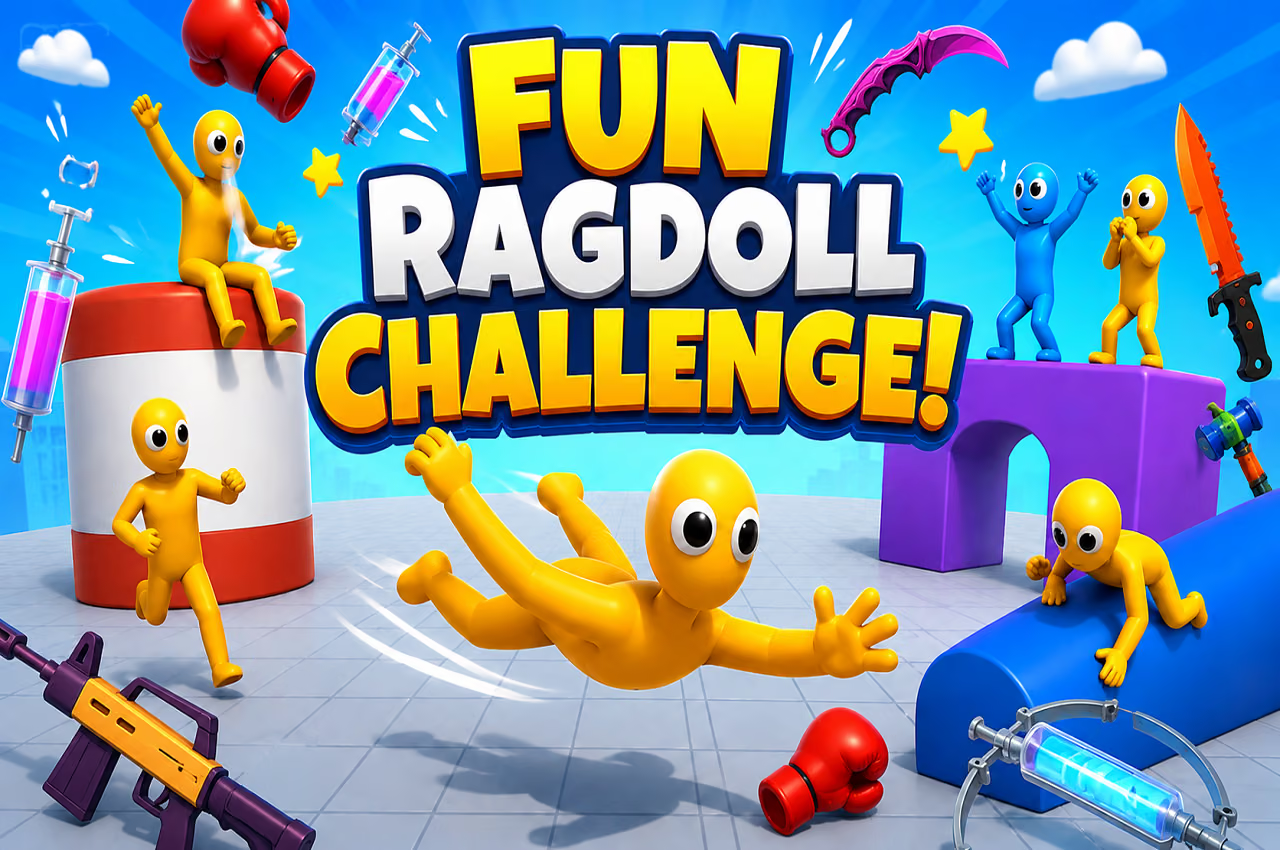

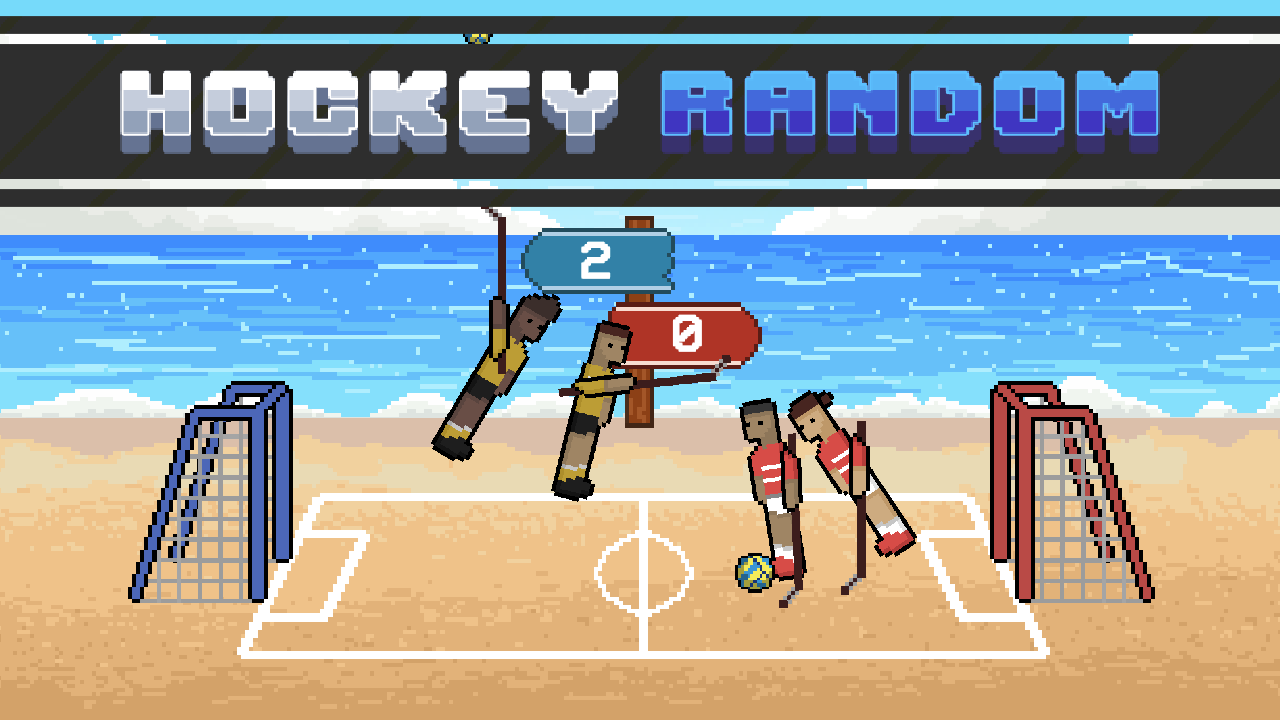
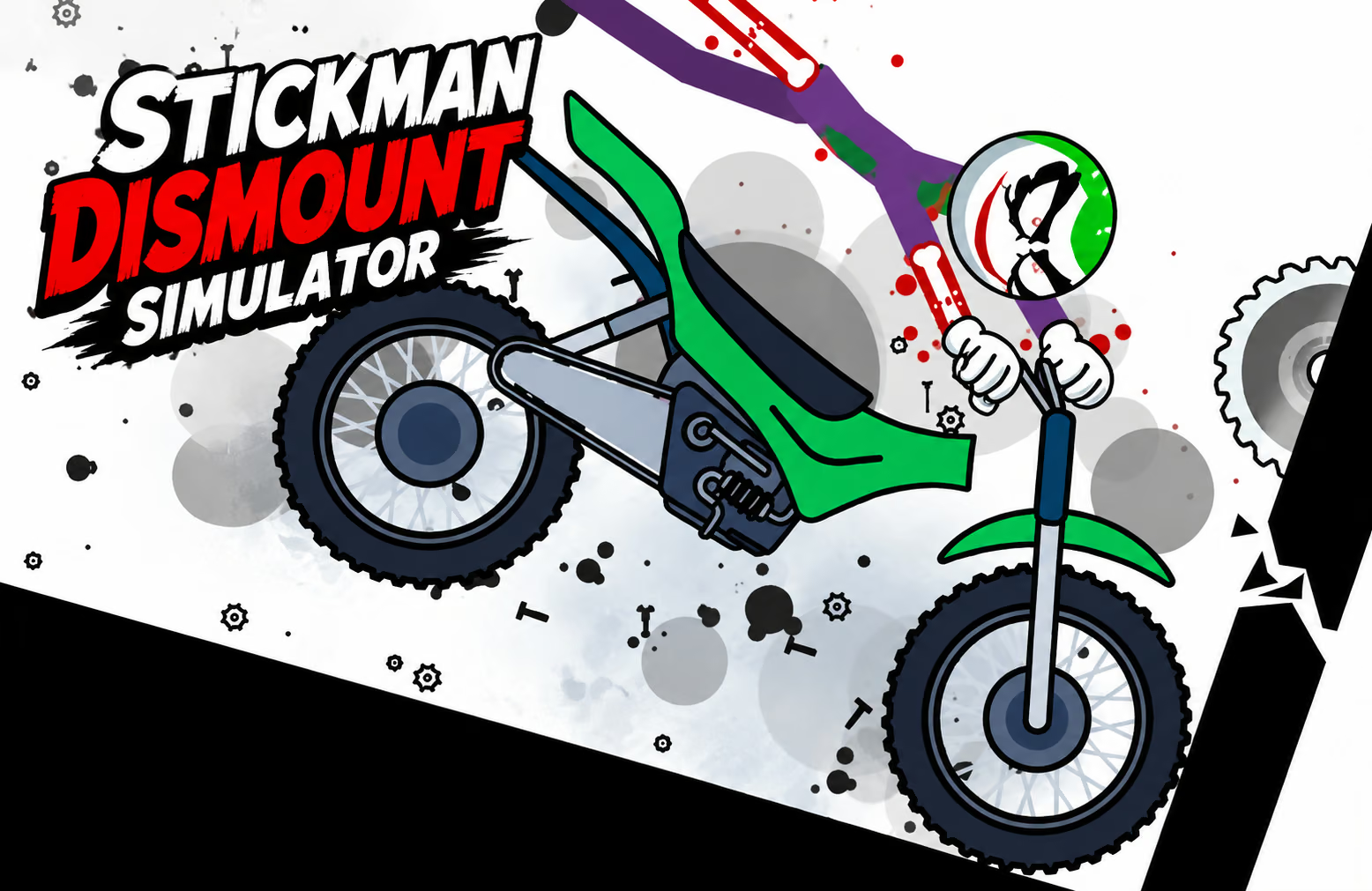
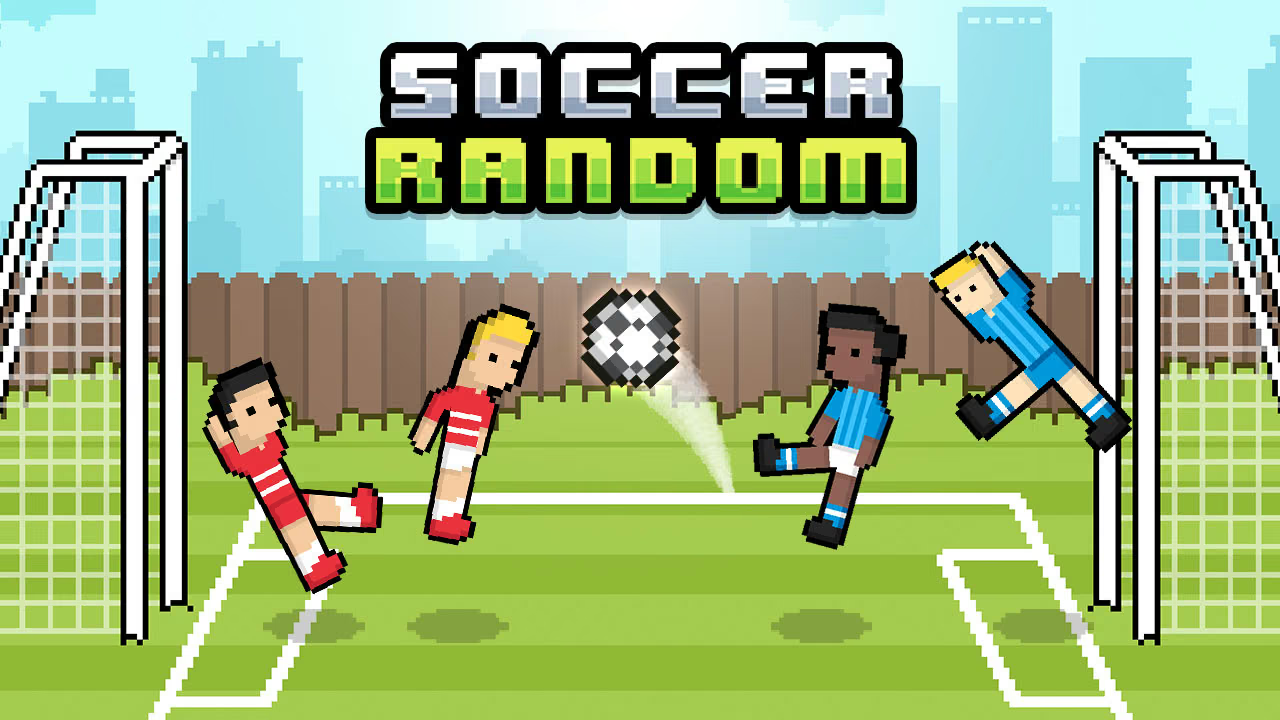
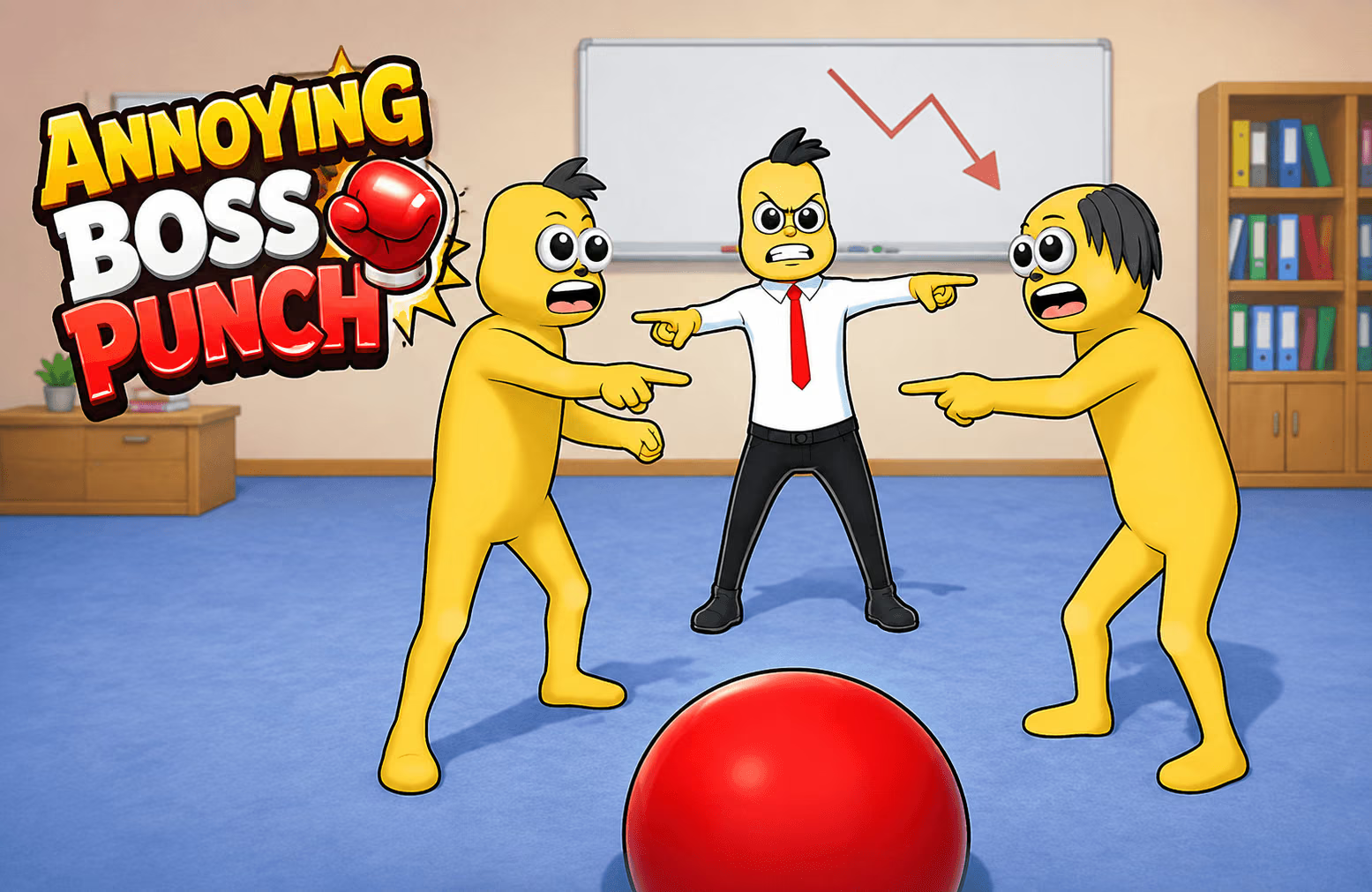
About Fun Ragdoll Challenge!
Fun Ragdoll Challenge! is a collection of short activities built around unstable character movement. Different minigames emphasize different tasks: one may ask you to balance through a narrow area, while another gives you objects or opponents to navigate around.
The important habit is to identify the current objective before acting. A movement that works in one mode may not be useful in another. Watch how the character responds, learn where the immediate obstacle is, and use a retry to adjust a specific decision rather than repeating the whole route automatically.
How to Play Fun Ragdoll Challenge!
Choose an available minigame, read its objective, and guide the ragdoll through the current environment.
- Select a mode and look for its displayed goal.
- Check the movement and action prompts for that activity.
- Guide the character toward the objective while watching nearby obstacles.
- Observe how collisions change the character's position.
- After an attempt, use what you learned to adjust the next route.
Controls & Timing
Read the mode first
The minigames do not all ask for the same action. Identify whether the current task emphasizes balancing, movement, or interacting with objects before deciding how quickly to move.
Recover after contact
A collision can change the character's direction. Pause to read the new position and the next obstacle instead of assuming the original route is still available.
Controls
| Input | Action | When to use |
|---|---|---|
| Mouse | Guide the ragdoll | Move through the current challenge. |
| In-game prompts | Perform the current mode's actions | Follow the instructions for the selected minigame. |
Follow the on-screen prompts for the controls used in your selected mode.
High Score Tips
- Find the target first. Look for the current objective before attempting a fast route. This keeps a successful movement from taking you away from the task.
- Notice the next obstacle. In a narrow area, plan where the character will end up after a step or collision, not only where it begins.
- Allow for unstable movement. Give the character room to settle after a contact before making the next decision.
- Treat each mode separately. Recheck the goal and controls when switching activities; do not assume the previous challenge's approach still applies.
- Review one mistake on a retry. Change a specific part of the route or timing and compare the result with the previous attempt.
Key Features
- Short minigames: Select from activities with different objectives.
- Ragdoll movement: Character motion changes after contact with the environment.
- Obstacle courses: Navigate around moving and fixed hazards.
- Changing tasks: Balance, survival, and other activities call for different decisions.
- Cosmetic options: Coins earned from successful runs can unlock appearances.
Frequently Asked Questions
Are all challenges played the same way?
No. The collection includes activities with different objectives. Read the displayed instructions for the selected mode before starting an attempt.
What do I use to guide the character?
Use the mouse to guide the ragdoll. Check the in-game prompts for any actions specific to the mode you selected.
What should I change after a failed attempt?
Identify where the character lost balance or met an obstacle, then change that part of the route. Keeping the rest of the attempt familiar makes the result easier to compare.
What are the coins for?
Coins from successful runs can unlock cosmetic items such as costumes and hats.