
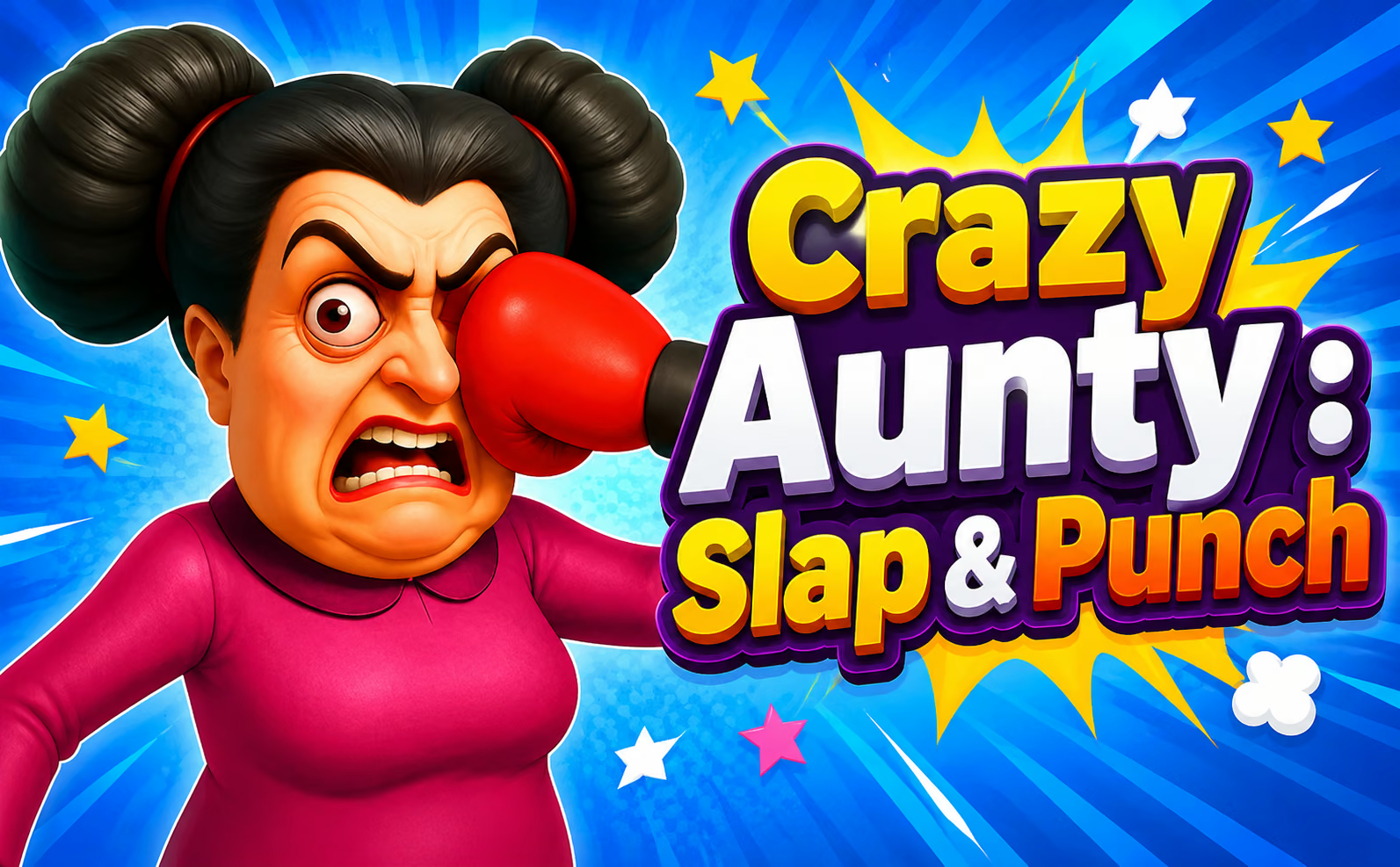

About Crazy Aunty : Slap & Punch
Crazy Aunty : Slap & Punch is organized around short scenes rather than continuous arena movement. You select an available tool and look for the moment when its action will meet the target. Changes in position or activity make observation useful before clicking. Completing an encounter opens progression and additional tools for later situations.
How to Play Crazy Aunty : Slap & Punch
- Inspect the scene and locate the target’s current activity.
- Select an available tool.
- Watch for a useful position before activating it.
- Review the result and use the next scene’s layout to choose a fresh approach.
Controls & Timing
An input can be correct for the tool but poorly timed for the target’s position. Watch the movement once before repeating the same click. If an encounter does not clear, decide whether the selected object or the moment of activation needs adjustment.
Controls
| Input | Action |
|---|---|
| Mouse click | Select tools and activate scene interactions |
High Score Tips
- Observe a scene before using a newly available tool so you know what changed after the action.
- Keep the same tool while testing a different moment if the first attempt narrowly misses.
- Read the next encounter as a new situation instead of assuming the previous tool remains useful.
- Follow the objective rather than clicking every visible object in rapid succession.
Key Features
- Mouse-driven scene interactions
- Tool selection and timing
- Short encounters with unlockable objects
Frequently Asked Questions
Do I steer a character with the keyboard?
The listed interaction uses the mouse for tools and actions in the scene.
How do more tools appear?
Completing stages advances the collection of available objects.