
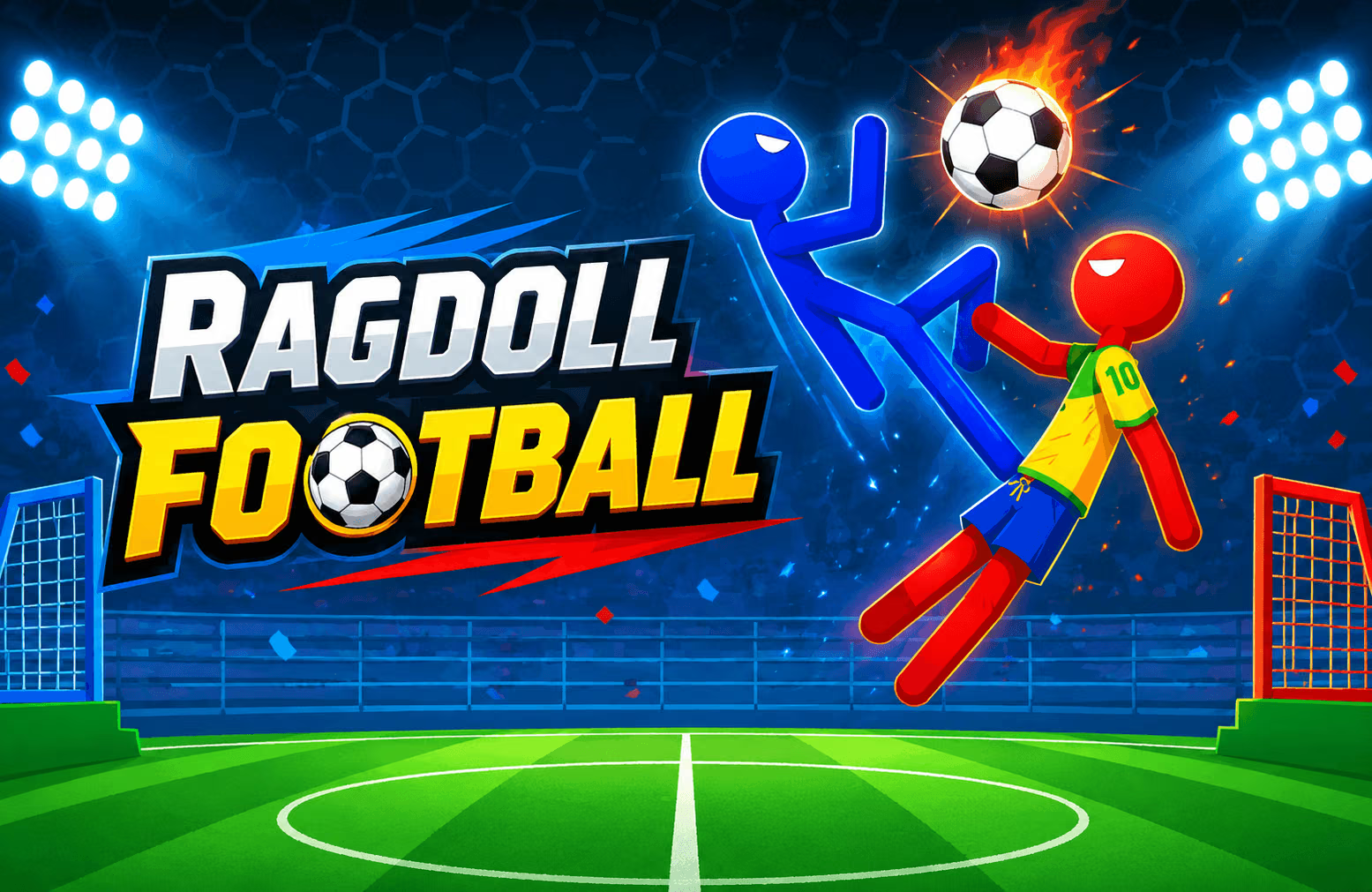
About Ragdoll Football
Ragdoll Football puts one unsteady stickman on the pitch instead of a full eleven-player team. Kicks, jumps, and collisions affect the player's balance, so moving into a good position can matter as much as choosing when to strike the ball.
Choose from Training, Classic Match, two-player, Penalty Shootout, and Tournament modes. In a Classic Match, the stated objective is to score more goals within sixty seconds. The game also offers boosters with names such as Small Ball, Freezer, Higher Gates, and Goalkeeper. Check the game menu for the options and unlock requirements available in your version.
How to Play Ragdoll Football
Choose a match type, approach the ball, and score more goals than your opponent.
- Begin in Training Mode if you want to practice movement and ball contact.
- Use WASD to move and jump toward a useful position on the pitch.
- Press E to kick or Q to headbutt when your player is close to the ball.
- Watch the ball and your player's balance after the collision.
- Use an available booster when it fits the situation, then continue attacking or defending until the match ends.
Controls & Timing
Position before striking
A kick or headbutt is easier to direct when your player is close to the ball and facing a useful direction. The physics can send the stickman spinning after contact, so watch where both player and ball end up before making the next move.
Choose the match and booster
Training gives you room to learn; a Classic Match adds a sixty-second clock. The best time to activate a booster depends on the situation and the options available. Look at the current play before spending a boost.
Controls
| Input | Action |
|---|---|
| WASD | Move and jump |
| Q | Headbutt |
| E | Kick the ball |
| Mouse click | Activate an available booster |
High Score Tips
- Practice without rushing. Training Mode is a useful place to observe how the player moves before a timed match.
- Approach the ball deliberately. A controlled position gives you a better opportunity to direct the next kick or headbutt.
- Watch the recovery. After a collision, check your stickman's posture before committing to another challenge.
- Protect your goal. If the opponent has a clear route, move back into position before chasing a difficult shot.
- Use boosters with a purpose. Read the available option and the current play before activating it.
- Keep the clock in mind. Classic Match lasts sixty seconds, so balance careful positioning with the need to score.
Key Features
- Stickman football with ragdoll movement and collisions.
- Separate kick and headbutt inputs.
- A sixty-second Classic Match.
- Training, local two-player, Penalty Shootout, and Tournament modes.
- Boosters and cup-based mode unlocks.
Frequently Asked Questions
How do I kick?
Move close to the ball and press E. Q performs a headbutt.
How long is a Classic Match?
A Classic Match lasts sixty seconds, and the higher goal total wins.
Is there a training option?
Yes. Training Mode lets you practice movement and ball handling.
Can I play with a friend?
Yes. Choose a local two-player battle and check the in-game instructions for both players' controls.
What are boosters?
Options include Small Ball, Freezer, Higher Gates, and Goalkeeper. Check their descriptions and availability in the game.
Are all modes immediately available?
Penalty Shootout and Tournament have cup requirements; check the game menu to see when each mode unlocks.