
About Sprunki Secret Ragdoll
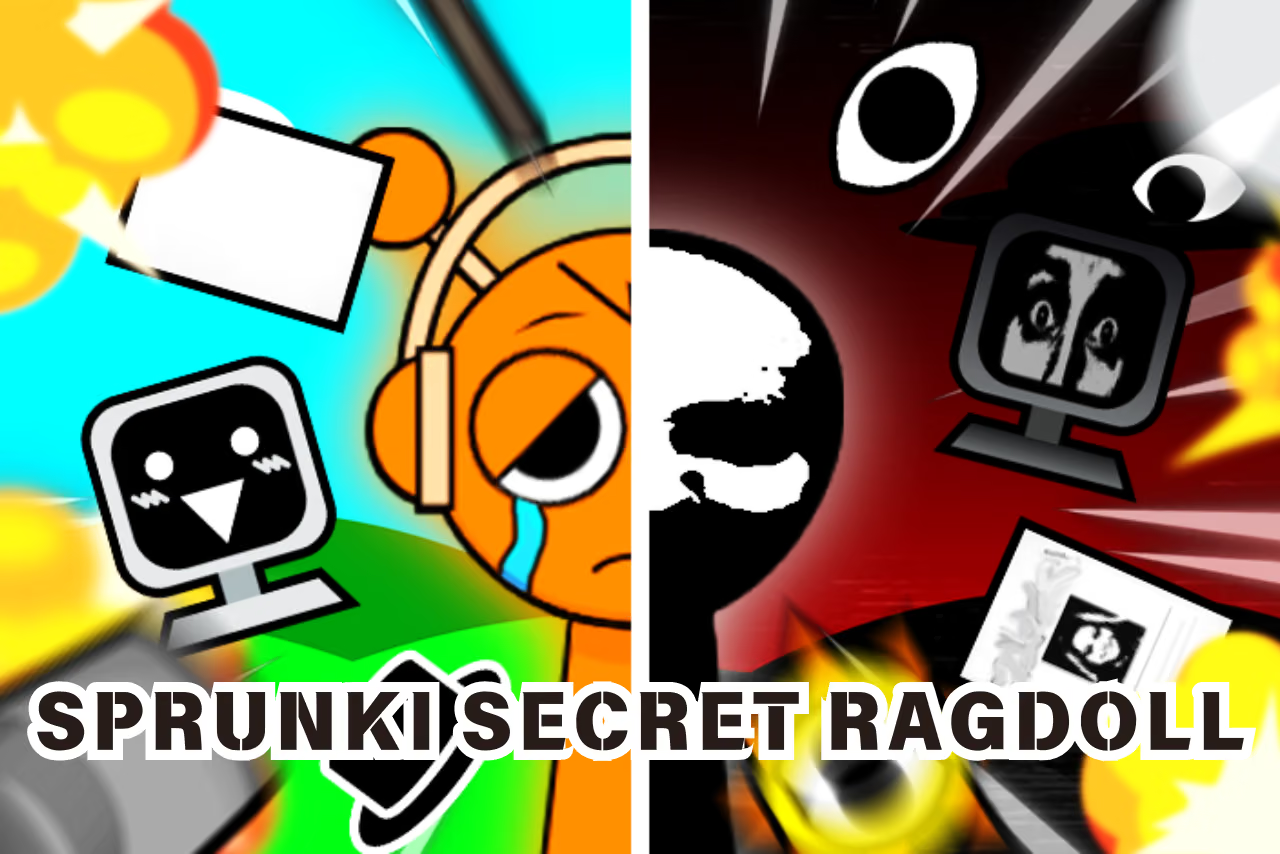
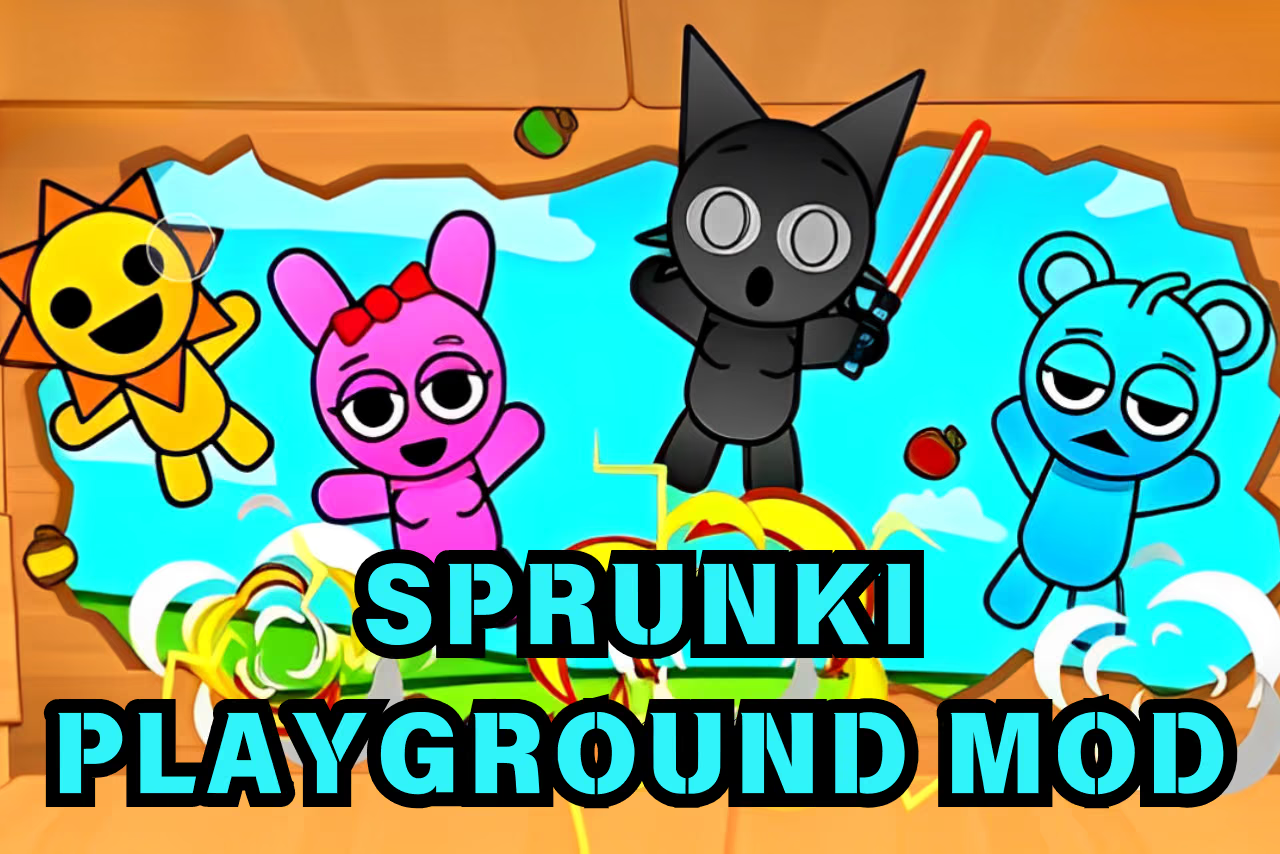
Sprunki Secret Ragdoll is a clicker game where you choose weapons and use them on a character to trigger ragdoll reactions. Hits earn rewards that unlock more weapons and characters.
The game also offers different scene themes. Begin with the current character and one available tool, then try another option after you recognize the first result. This makes the progression easier to follow and gives each new selection a clear comparison.
How to Play Sprunki Secret Ragdoll
Choose an available weapon, click the character to use it, and review the rewards and unlocks that follow.
- Inspect the starting character and the available tool selection.
- Select a weapon and click the character where you want to use it.
- Watch the character's ragdoll response.
- Review rewards and choose an available unlock when appropriate.
- Try a different tool, character, or scene theme for another interaction.
Controls & Timing
Select, then aim
The selected item determines the interaction. Choose it first, then click where you intend to use it. Keeping that order consistent makes it easier to compare different options.
Observe before changing tools
Watch the movement following an interaction before switching items. If you change tools immediately, you may miss which part of the response came from the previous selection.
Controls
| Input | Action | When to use |
|---|---|---|
| Click | Use the selected item at a point in the scene | Interact with the character. |
| Game interface | Select tools, characters, or scene options | Change what you want to try. |
Follow the on-screen prompts for the controls available on your device.
High Score Tips
- Keep the first test simple. Use one available item and watch its complete result before selecting another.
- Compare the same target area. Keeping the interaction point familiar can make the difference between two tools easier to see.
- Choose the next unlock intentionally. Spend rewards on an option you want to explore rather than treating every selection as an identical upgrade.
- Try a scene change separately. Keep your character and tool choice familiar when exploring another background so you can identify what has changed.
- Read the current interface. The available tools and characters depend on progression; review the menu before planning the next interaction.
Key Features
- Ragdoll reactions: Character movement responds to scene interactions.
- Item selection: Choose an available tool before acting.
- Rewards: Successful interactions contribute to progression.
- Character unlocks: Explore additional characters as they become available.
- Scene themes: Choose among the available background options.
Frequently Asked Questions
How do I use a selected item?
Click a point on the character to use the selected item. Choose the tool first and check the current game interface for available options.
What are the rewards used for?
Rewards support the unlocking of additional tools and characters. The current menu shows which options are available at your stage of play.
Can I change the scene?
Choose from Normal and Horror backgrounds to change the atmosphere of your scene.
Is Sprunki Secret Ragdoll a music game?
No. This game focuses on using weapons and watching ragdoll reactions.