

About Stickman Dismount Simulator
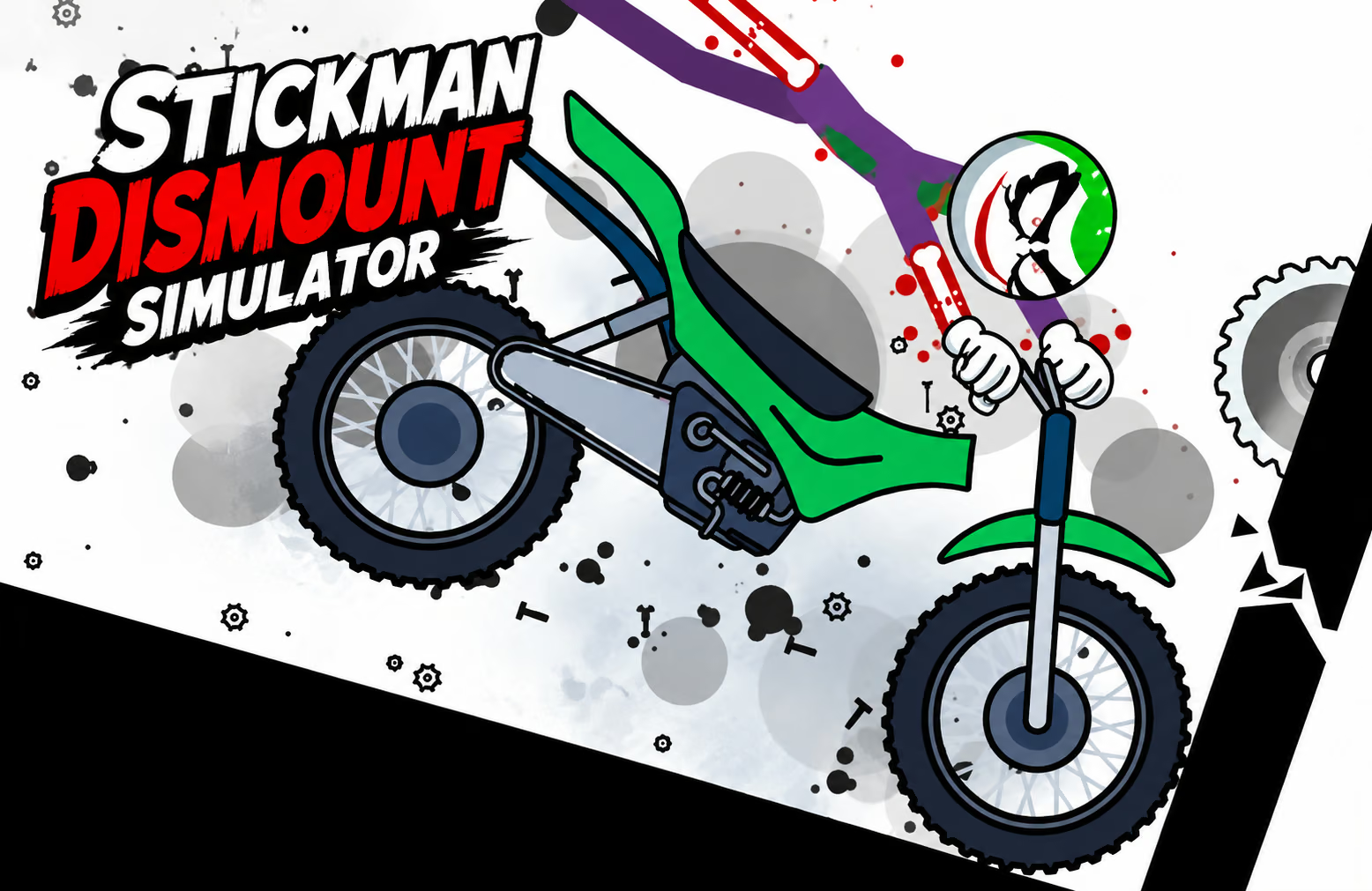
Stickman Dismount Simulator is a setup-based ragdoll game about launching a character through an environment. Before a run, choose a vehicle, adjust the stickman's starting pose, and arrange ramps or obstacles.
The result comes from the combination of those choices. A different vehicle or pose can alter the character's movement, while an obstacle can redirect the route. Start with a familiar course and change one choice at a time to understand what your setup contributes.
How to Play Stickman Dismount Simulator
Prepare the character and course, launch the attempt, and compare the result with the goal you chose.
- Choose an available vehicle and starting pose for the stickman.
- Inspect the course and place available ramps or obstacles where you want to test them.
- Use the game's displayed controls to begin the launch.
- Observe the character's route through the environment and the first major contact.
- Review the result and coins, then adjust the vehicle, pose, or layout for another run.
Controls & Timing
Pose changes the starting condition
The starting pose is one part of the experiment. Keep the vehicle and course the same when trying a second pose so you can see which change affects the route.
Follow the course after launch
Ramps, stairs, and other obstacles can redirect movement. Look at the first contact and where it sends the character before deciding which later part of the setup needs adjustment.
Controls
| Action | Use |
|---|---|
| Select vehicle and pose | Establish the starting setup. |
| Arrange available course pieces | Shape the environment for a test. |
| Launch or activate turbo | Begin the run using the displayed in-game control. |
Follow the on-screen prompts for the controls used to arrange and launch your setup.
High Score Tips
- Keep a baseline run. Use one vehicle, pose, and course until you recognize the usual route. That gives you a comparison for later changes.
- Adjust the pose separately. If you change the vehicle at the same time, it is harder to tell which choice affected the outcome.
- Position the first ramp deliberately. The first contact can redirect the rest of the run. Watch where it sends the stickman before adding an obstacle farther away.
- Compare vehicles in the same setting. Vehicles can have different weight effects. A familiar course makes those differences easier to observe.
- Use coins after identifying a goal. Decide whether you want a different vehicle or setup before choosing what to unlock, then test the new option against a familiar run.
Key Features
- Vehicle selection: Choose an available ride for the attempt.
- Starting poses: Adjust the character before launch.
- Course pieces: Use ramps and obstacles to shape an environment.
- Ragdoll motion: Follow the character's response to momentum and contact.
- Run rewards: Earn coins from the outcomes described by the game.
Frequently Asked Questions
What should I choose before a run?
Start with an available vehicle and a pose, then inspect the course. Keeping these choices consistent for a few attempts gives you a useful baseline.
Can the starting pose affect a run?
Different poses can change the character's motion. Compare poses in the same vehicle and environment to see the effect more clearly.
What do the course obstacles do?
Ramps, stairs, and other pieces affect the path through the environment. Their placement determines whether the character reaches them during a particular run.
Which button activates the launch?
Follow the on-screen launch and turbo prompts.