
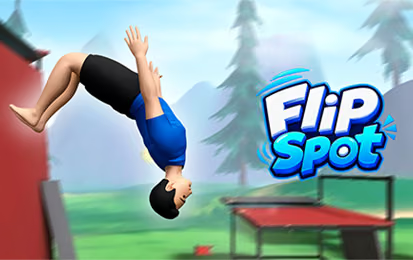

About Flip Spot
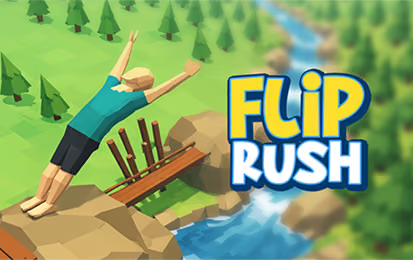
Flip Spot gives you two ways to work on stunts: progress through Arcade challenges or use Free Mode to experiment. New tricks expand what can happen during flight, but a longer sequence also changes the body angle that reaches the ground. Day and night settings vary the atmosphere around courses with different launch heights and landing spaces.
How to Play Flip Spot
- Choose Arcade for progression or Free Mode for practice.
- Inspect the height difference between takeoff and landing.
- Use the jump-and-flip input to try a basic stunt.
- Replay to adjust the rotation before adding another trick.
Controls & Timing
The useful length of a trick depends on the time left in the air. Begin with one recognizable rotation and observe how close the character is to the target when it completes. Add another move only when that baseline leaves enough height to finish it.
Controls
| Input | Action |
|---|---|
| Space, W, or up arrow | Jump and flip |
| R | Replay the level |
| Esc | Pause |
High Score Tips
- Use Free Mode to learn one trick without also trying to understand a new level objective.
- Compare attempts from the same platform; changing the height and sequence together hides which decision caused the miss.
- Stop chasing an extra rotation when the landing area is already close.
- Revisit a basic stunt after unlocking a faster or stronger option so its timing becomes familiar.
Key Features
- Arcade and Free Mode
- Unlockable tricks and aerial combinations
- Multiple backgrounds with day and night settings
Frequently Asked Questions
Which mode is better for practice?
Free Mode provides a place to experiment, while Arcade gives you defined progression.
Does a longer combination always help?
Extra tricks need enough airborne time and a successful finish. A controlled landing is the baseline to build on.