
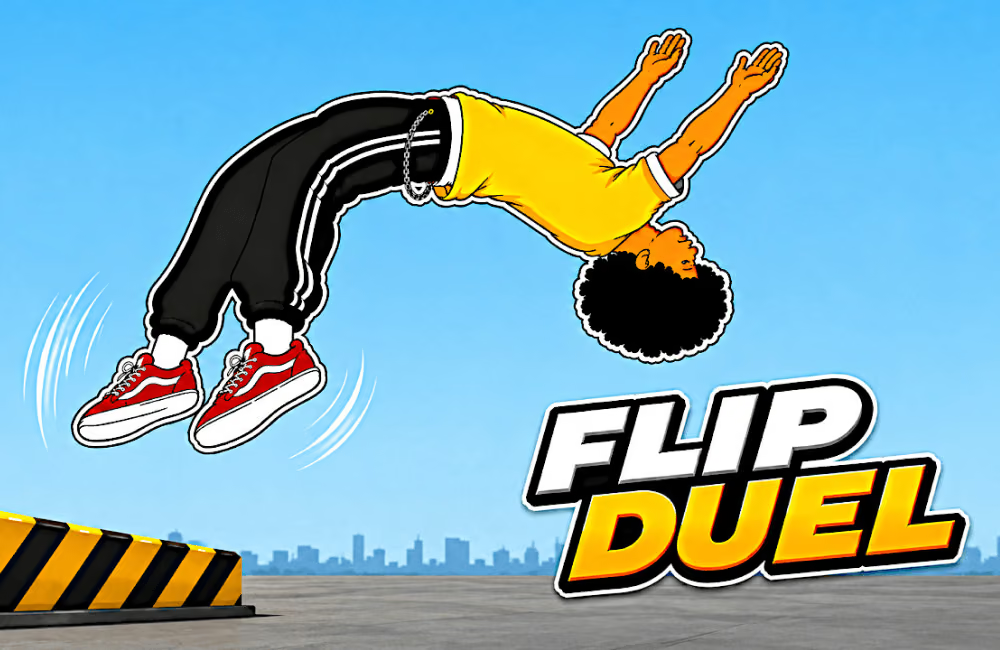
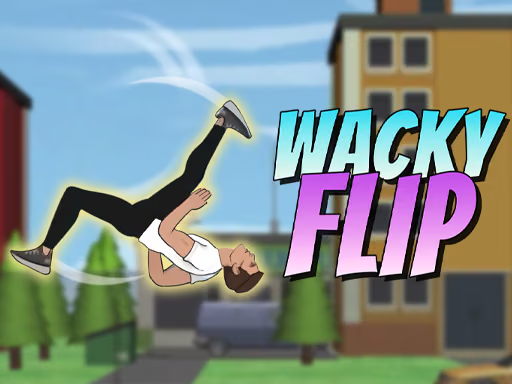
About Flip Duel
Flip Duel divides a stunt into a preparation hold, a release to launch, a second hold to rotate, and a release for landing. The campaign offers staged targets, while local duels add another player and FreeStyle changes the session into a survival challenge. Unlockable tricks and athletes broaden your choices, but a readable basic jump remains the starting point.
How to Play Flip Duel
- Pick a mode and inspect its target or objective.
- Hold the mouse to crouch, then release to launch.
- Hold again during flight to rotate.
- Release before the landing and use the result to adjust one part of the next attempt.
Controls & Timing
The two holds serve different purposes. If travel distance is wrong, review preparation; if the character reaches the target at the wrong angle, review the airborne hold. In a local duel, learn the displayed player mapping before applying the mouse sequence from a solo attempt.
Controls
| Input | Action |
|---|---|
| Mouse hold / release | Charge and launch |
| Hold / release during flight | Rotate and prepare to land |
| Local duel: WASD / arrow keys | Player control sets; follow the mode prompts |
High Score Tips
- Establish one clean landing before switching between several trick styles.
- Aim for the usable part of the zone rather than its furthest edge when learning a stage.
- Change the launch or rotation on a retry, keeping the other stage consistent for comparison.
- Read the selected mode rules: surviving FreeStyle and clearing a campaign target are different objectives.
Key Features
- Four-stage mouse stunt sequence
- Campaign, local duel, and FreeStyle choices
- Unlockable athletes and trick options
Frequently Asked Questions
Can I play against someone locally?
A two-player duel mode is available with separate keyboard control sets.
Why does the same hold produce a different result on another stage?
Launch and landing geometry change. Use a simple jump to find the new timing window.