

About Stick Flatout Epic
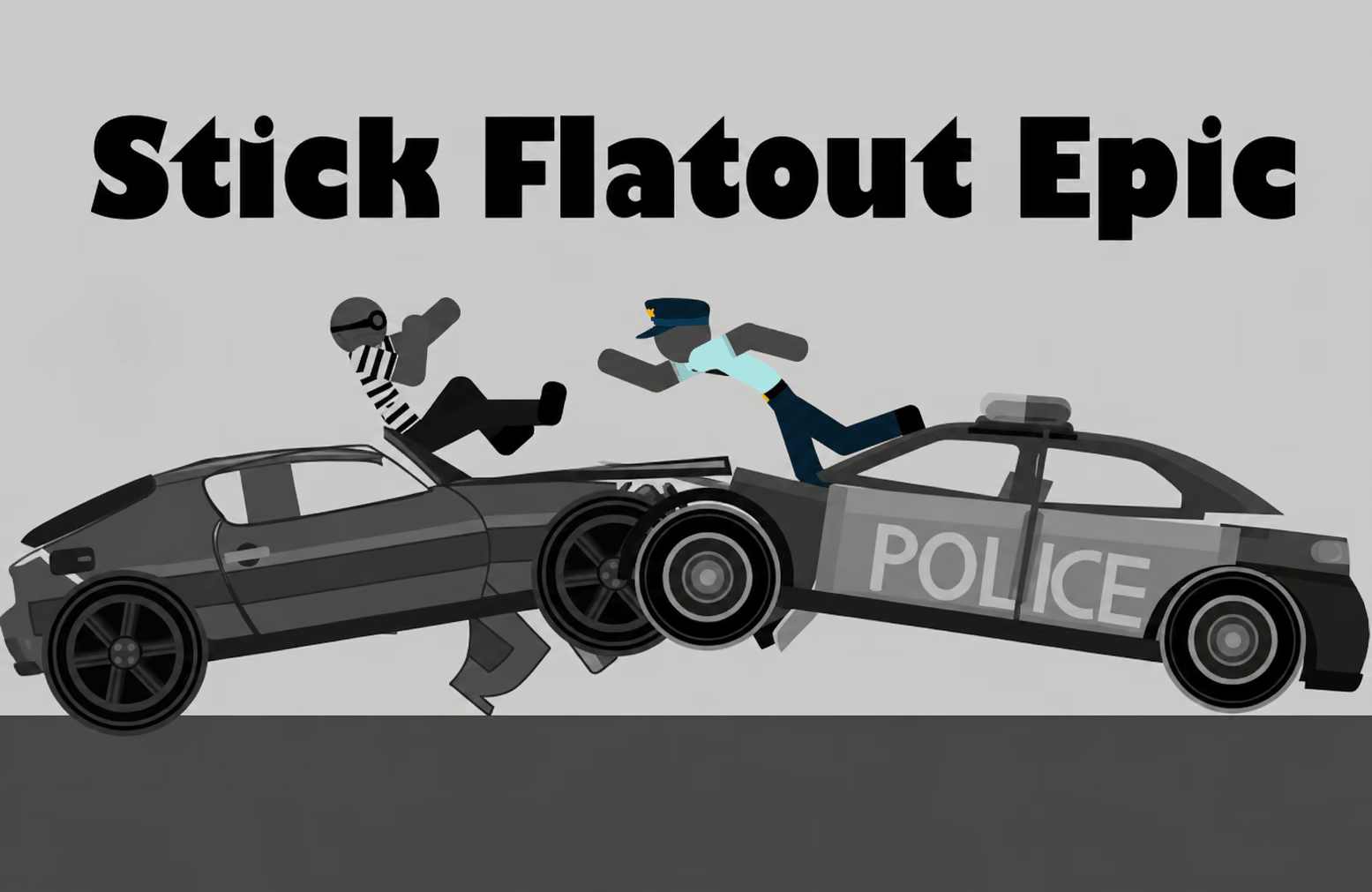
Stick Flatout Epic is a ragdoll launch game built around speed, flight, and physical reactions. Each attempt starts with a vehicle and a decision about when to release. The stickman's movement after the launch can produce distance, stunt rewards, and progress toward stage objectives.
The game also provides vehicles and upgrades to pursue with earned coins. Those choices give you a reason to compare attempts: a different starting setup or launch timing can change the route, but a more powerful upgrade is not a substitute for understanding where the character is going.
How to Play Stick Flatout Epic
Choose an available vehicle, build speed, and release at a useful moment. Observe the flight and use the result to plan the next attempt.
- Select an available vehicle and look at the current course objective.
- Hold the displayed accelerator control to build speed.
- Release at the moment you choose for the launch.
- Follow the character through the flight and the rest of the course.
- Review rewards and objectives, then consider an upgrade or a timing change.
Controls & Timing
The release starts the comparison
Holding the accelerator and choosing when to release are the first decisions in a run. Try a consistent release point for several attempts before moving it earlier or later; a familiar starting condition makes the change easier to assess.
Distance and trajectory belong together
A fast launch can carry the character farther, but the direction and subsequent contacts also matter. Watch the route after the launch to identify whether the run ended because of timing, flight direction, or the layout ahead.
Controls
| Input | Action | When to use |
|---|---|---|
| Hold the displayed accelerator control | Build speed | Prepare the approach. |
| Release the accelerator control | Trigger the launch | Start the flight. |
| Displayed game prompts | Use available actions or select upgrades | Follow the current screen. |
Follow the on-screen prompts for the hold-and-release action and any midair controls.
High Score Tips
- Read the stage objective. A run focused on distance may call for a different approach from one asking for a particular milestone. Know the target before changing the vehicle.
- Practice one release point. Repeat a simple timing until the resulting path is familiar. Then make a small adjustment and compare the launch rather than changing every variable at once.
- Track the full flight. Note where the character reaches the course and what changes the route afterward. That observation is more useful than judging the run by initial speed alone.
- Add tricks after learning the landing. Once you understand the basic path, try the available flips and see how they affect the attempt and rewards.
- Upgrade with a purpose. Upgrade areas include speed, suspension, mass, and engine power. Choose the one that addresses a decision you can observe in your runs.
Key Features
- Hold-and-release launch: Choose when to release after building speed.
- Ragdoll flight: The character reacts to the course and its obstacles.
- Stage objectives: Work toward the goals shown for a run.
- Vehicle choices: Unlock additional rides as you progress.
- Garage upgrades: Use earnings to improve available vehicle characteristics.
Frequently Asked Questions
How do I start a launch?
Hold the accelerator control shown by the game, then release to begin the launch. Check the current interface for the exact mouse, touch, or keyboard input.
What should I change if my attempts end in the same place?
Keep the vehicle and course familiar, then change the release timing slightly. Watch where the character first contacts the course to understand how the new timing affects the route.
What can I do with coins?
Use coins to unlock vehicles and rewards or improve garage characteristics. Choose an option that fits the next objective you want to attempt.
Are upgrades the only way to improve a run?
No. Release timing and the character's route through the course are also part of each attempt. Learning those basics gives you a better way to evaluate an upgrade.