
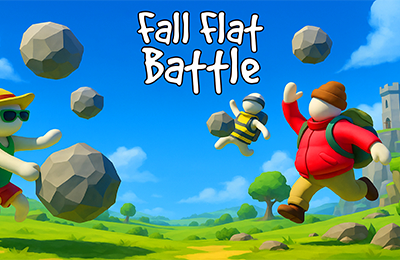
About Fall Flat Battle
Fall Flat Battle fills a physics arena with rivals and throwable objects. Pickup happens automatically when you move close to useful items, leaving your attention on movement and the throw direction. Knockouts contribute to points and progression during the fight. New terrain changes the space around an exchange, so the same approach is not useful everywhere.
How to Play Fall Flat Battle
- Move toward an object while watching the nearest rival.
- Confirm the automatic pickup before planning a throw.
- Use Space when the target and your escape route are both clear.
- Reposition after the throw and reassess the terrain.
Controls & Timing
A useful object is not necessarily worth crossing a dangerous part of the arena. Compare the route to the item with the time a rival needs to reach you. After throwing, return attention to your own footing before chasing the result across an edge or obstacle.
Controls
| Input | Action |
|---|---|
| WASD or arrow keys | Move |
| Nearby objects | Automatic pickup |
| Space | Throw an object |
High Score Tips
- Learn the pickup distance in a quiet area before relying on it in a crowded exchange.
- Approach an object from the side that leaves open ground behind you.
- Move between throws to avoid becoming a fixed target.
- Recheck the terrain after a location change instead of treating every map as the same arena.
Key Features
- Automatic collection and manual throws
- Wobbly physics-based combat
- Points and changing arena environments
Frequently Asked Questions
How do I pick something up?
Move close to a usable object; collection is automatic.
What should I watch after a throw?
Check your own footing, nearby rivals, and the route to another object before pursuing the target.