


About Gang Fall Party
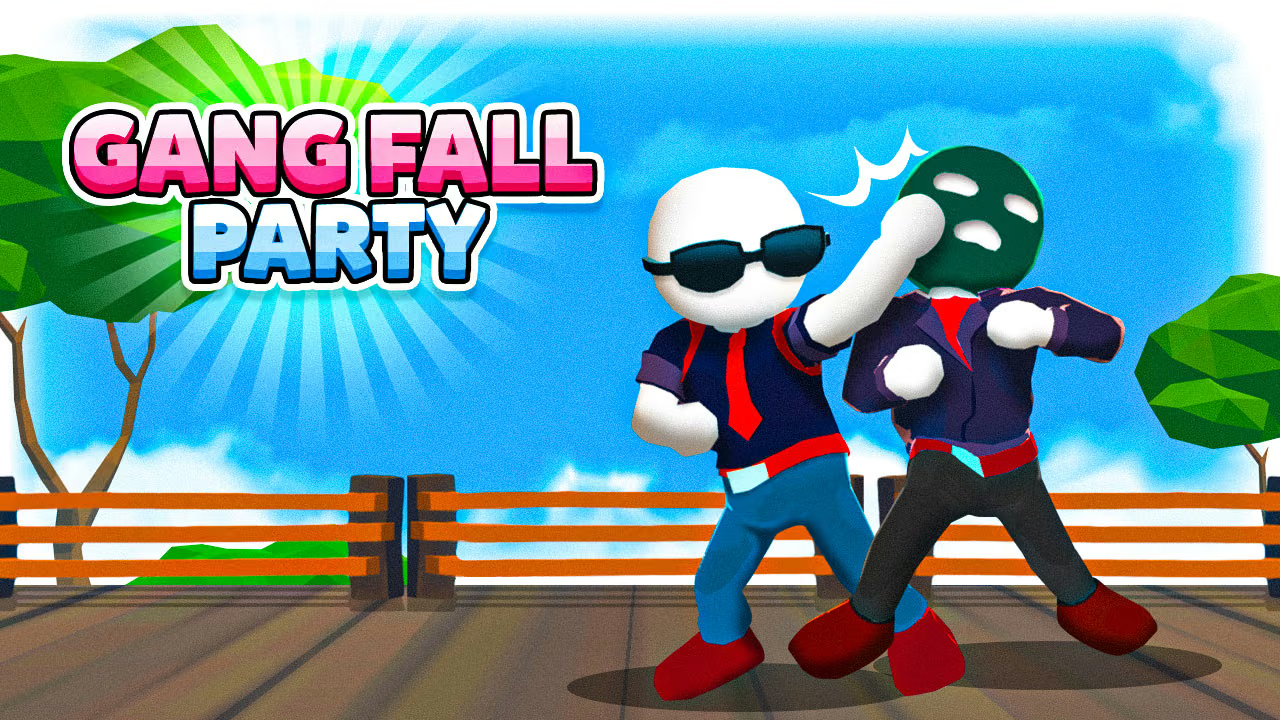
Gang Fall Party asks you to stay on the arena while sending other fighters over its sides. Knockouts increase punch power, changing the pressure as a match develops. The mode menu includes individual and two-player choices, letting you share the keyboard or enter a larger fight. Learning the movement and run input separately makes the busy arena easier to read.
How to Play Gang Fall Party
- Choose a mode and confirm which fighter each person controls.
- Move around the interior and try a punch away from a crowded edge.
- Approach opponents from a position that leaves you recovery space.
- Use running for a planned approach or escape, then regain a readable position.
Controls & Timing
Running reduces the time available to stop an approach. Treat it as a deliberate change in speed rather than the default way to move. In a shared match, identify both characters before the first clash so a sudden knockback does not lead either player to follow the wrong fighter.
Controls
| Input | Action |
|---|---|
| Player 1: WASD | Move |
| Player 1: C / V | Run / punch |
| Player 2: arrow keys | Move |
| Player 2: O / P | Run / punch |
High Score Tips
- Practice movement and one punch without running, then add speed once the distance feels familiar.
- Put the rival toward the outside of an exchange while keeping your own route into the arena open.
- After a knockout, reset your position instead of carrying the same rush straight to the boundary.
- In two-player play, check whether you are cooperating in the selected mode or facing one another before planning attacks.
Key Features
- Raised-platform knockout fights
- Punch strength progression through knockouts
- Separate controls for two local players
Frequently Asked Questions
Can two people share a keyboard?
Yes. Player 1 and Player 2 have separate movement, run, and punch keys.
Why avoid the boundary?
Falling from the platform ends your chance to remain in that fight. More interior space gives you room to recover.