
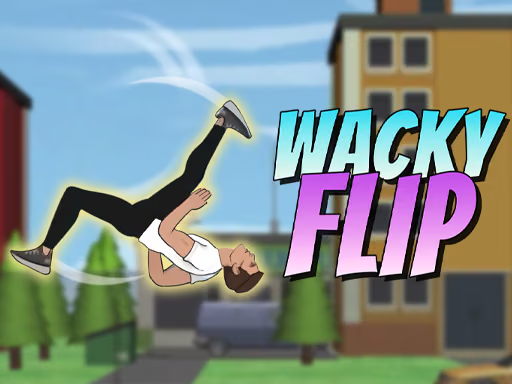
About Flip Rush
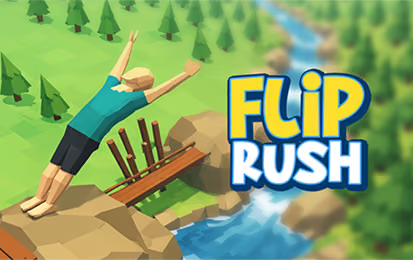
Flip Rush is a sports-style stunt game built around momentum, rotation, and landing. The input is simple, but the target area and the character's position change from level to level. A successful attempt asks you to judge when to hold and when to release so the character reaches the ground on their feet.
After a tutorial, travel through locations including a gym, mountain, city, factory, and ship. Each setting has its own stages, and completing the current location opens the next. Clean landings can earn rewards and help you progress toward customization options.
How to Play Flip Rush
Learn the tutorial, prepare a jump, and release the rotation in time to land within the marked area.
- Complete the introductory tutorial and select an available stage.
- Locate the target area and consider the space between it and the launch point.
- Hold the left mouse button or Space to build power and rotate.
- Release at the moment that gives the character time to land on their feet.
- Repeat the stage as needed, then progress through the location's remaining levels.
Controls & Timing
Build a useful jump
The listed hold input builds power and controls rotation. Watch how the character travels on an early attempt; the result can help you judge whether your next hold should be shorter or longer.
Prepare for the landing
A clean landing matters more than adding a rotation you cannot finish. Follow the character's position as the target approaches and release with enough time to reach the ground feet first. A smaller target may require a more conservative approach.
Controls
| Input | Action |
|---|---|
| Hold left mouse button or Space | Build power and rotate. |
| Release the input | Stop the rotation and prepare for landing. |
High Score Tips
- Use the tutorial. It introduces the hold-and-release sequence before the later stages add more demanding layouts.
- Check the target area. Its size and distance help you judge how much rotation the jump can accommodate.
- Prioritize your feet. A clean feet-first landing is central to completing a stage.
- Adjust gradually. Change your timing in small steps so you can recognize the effect on flight and landing.
- Avoid unnecessary flips. More rotation leaves less time to settle before the ground arrives.
- Learn each location. A new setting can introduce a different layout, even when the control remains familiar.
Key Features
- Physics-based backflips and landing challenges.
- Left-click or Space hold-and-release controls.
- A tutorial followed by stages across varied locations.
- Progression through the stages of each setting.
- Rewards and character customization.
Frequently Asked Questions
How do I control the flip?
Hold the left mouse button or Space to build power and rotate; release to prepare for landing.
What makes a successful landing?
Aim to land on your feet in the target area.
Is there a tutorial?
Yes. A short tutorial introduces the controls before the location-based journey.
How do I unlock another location?
Complete the stages in the current location to open the next one.
Can I customize my character?
Yes. Rewards can unlock outfit customization. Check the game menu for the currently available choices.