
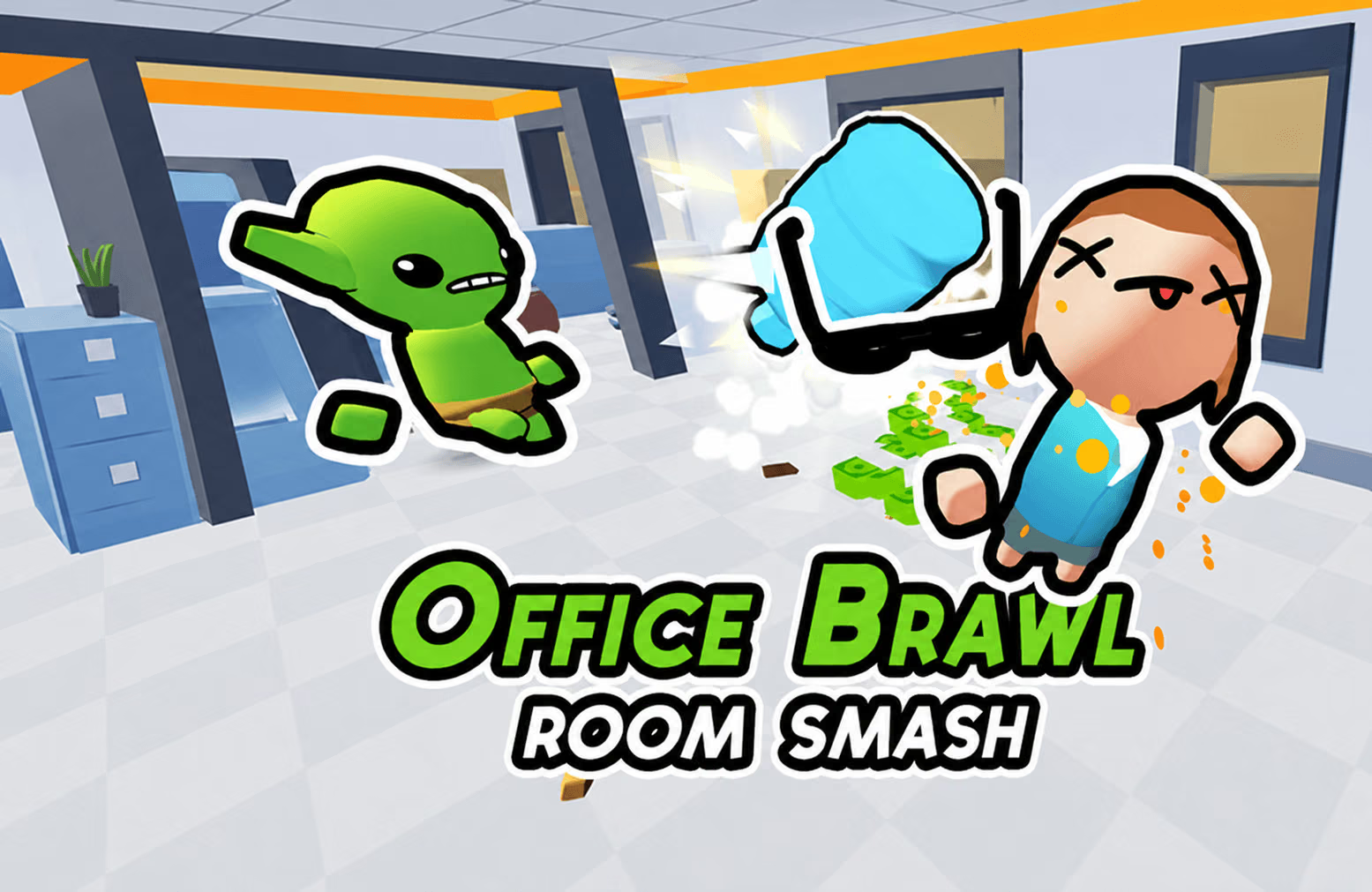







About Office Brawl - Room Smash
Office Brawl - Room Smash makes office furniture part of a combat puzzle. Moving near a usable object lets you pick it up, then a mouse hold and release sets up the throw. Computers, chairs, and other props provide different opportunities within each encounter. Your position needs to serve both the pickup and the line toward the target.
How to Play Office Brawl - Room Smash
- Find an object marked with a green glow.
- Move close enough to collect it.
- Hold the mouse to aim toward the required target.
- Release to throw, then choose a new position before the next encounter.
Controls & Timing
Before collecting an item, check whether the target can be reached from that area. A useful pickup with a blocked line can cost another movement just to aim. After releasing, watch the result and nearby threats before returning to the same spot for another item.
Controls
| Input | Action |
|---|---|
| WASD, arrow keys, or mouse drag | Move and approach pickups |
| Mouse hold | Aim a held object |
| Mouse release | Throw |
High Score Tips
- Use the green glow to distinguish a usable prop from background scenery.
- Choose a pickup with a clear throwing line when several objects are nearby.
- Learn the hold-and-release sequence on one readable target before rushing a busy room.
- After a miss, adjust the aim from a stable position so movement does not change two parts of the throw at once.
Key Features
- Furniture-based pickups and projectiles
- Hold-and-release aiming
- Room progression and boss encounters
Frequently Asked Questions
Which objects can I collect?
A green glow indicates an item that can be picked up and thrown.
How is this different from simply attacking?
You first need a usable object and a throwing line. Positioning prepares the attack before you release the mouse.