
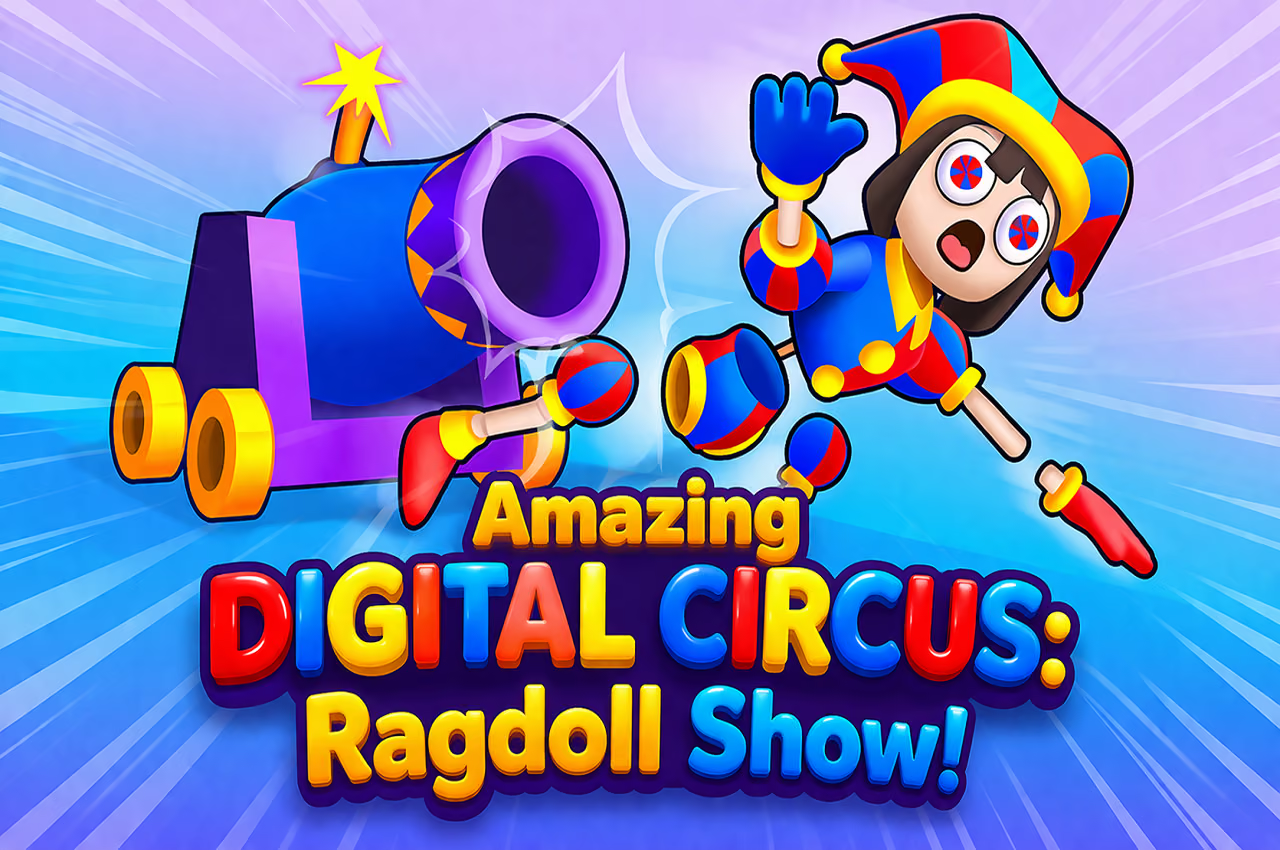
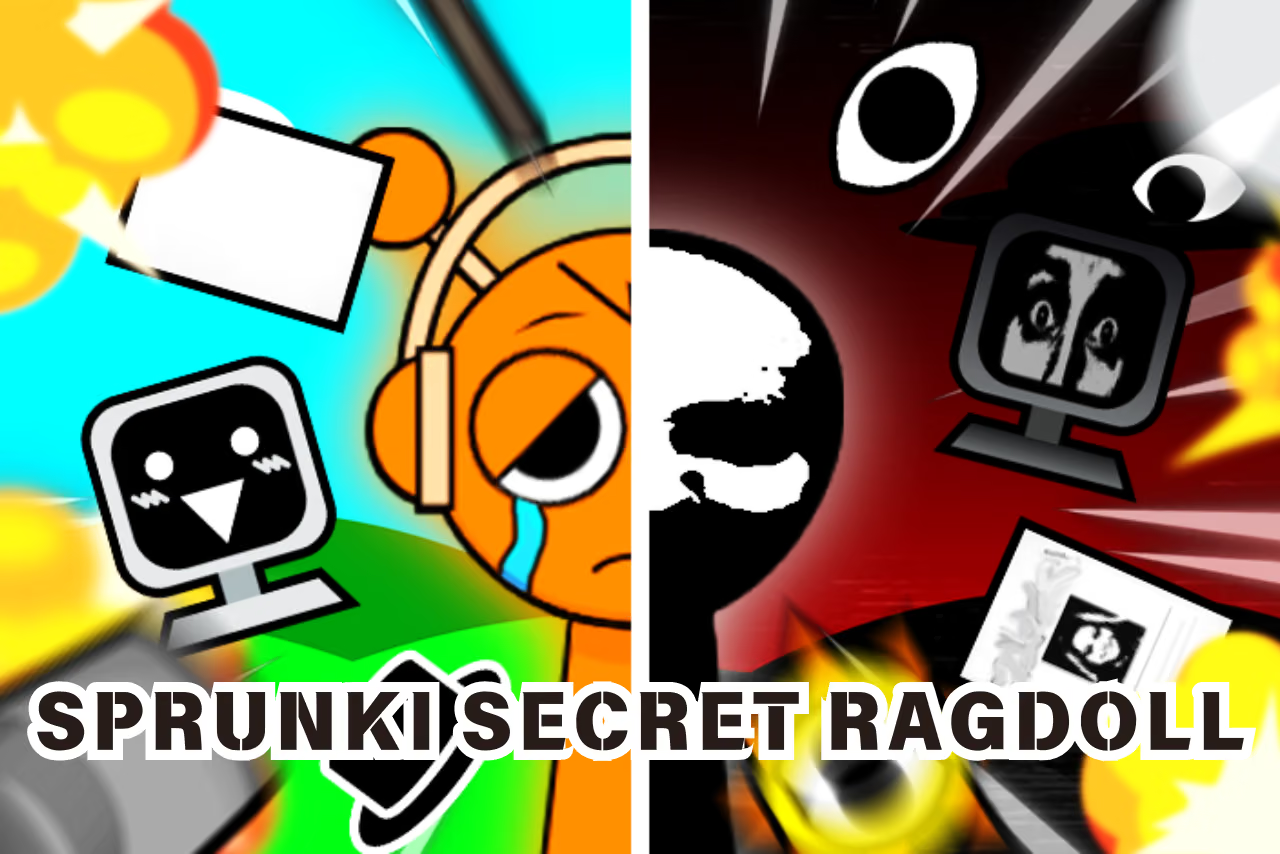
About Amazing Digital Circus: Ragdoll Show!
Amazing Digital Circus: Ragdoll Show! uses dragging and stretching to set a character in motion. The environment becomes part of the puzzle: a trampoline can redirect a flight, a fan can change the next approach, and a fragile structure can open a route. Each stage asks you to connect your launch with the objective rather than simply throw the ragdoll as far as possible.
How to Play Amazing Digital Circus: Ragdoll Show!
- Read the current stage objective and locate its target area.
- Click and drag a limb to prepare the launch.
- Release and follow the first collision through the scene.
- Adjust the pull direction or length before trying a different route.
Controls & Timing
Treat the first obstacle as a part of your route, not just an object to break. A launch can be useful even if it stops early, provided it reveals the direction a fan or trampoline applies. Keep the next attempt similar enough to compare that interaction.
Controls
| Input | Action |
|---|---|
| Mouse click and drag | Stretch and position the ragdoll |
| Release the drag | Launch the character |
High Score Tips
- Choose one target interaction for the first launch so the result is easy to follow.
- Change pull length separately from direction when trying to understand a miss.
- Look behind a broken structure before repeating the same route; it may have exposed another passage.
- Follow the body after the initial contact to see whether the next piece redirects it toward or away from the objective.
Key Features
- Drag-and-release ragdoll puzzles
- Interactive fans, trampolines, and breakable objects
- Stage objectives and alternate routes
Frequently Asked Questions
Is distance the only goal?
No. Stages combine movement and destruction objectives, so follow the current target.
What should I change after a failed launch?
First decide whether the direction, force, or first collision caused the problem, then adjust that part.