





About Pixel Smash Duel
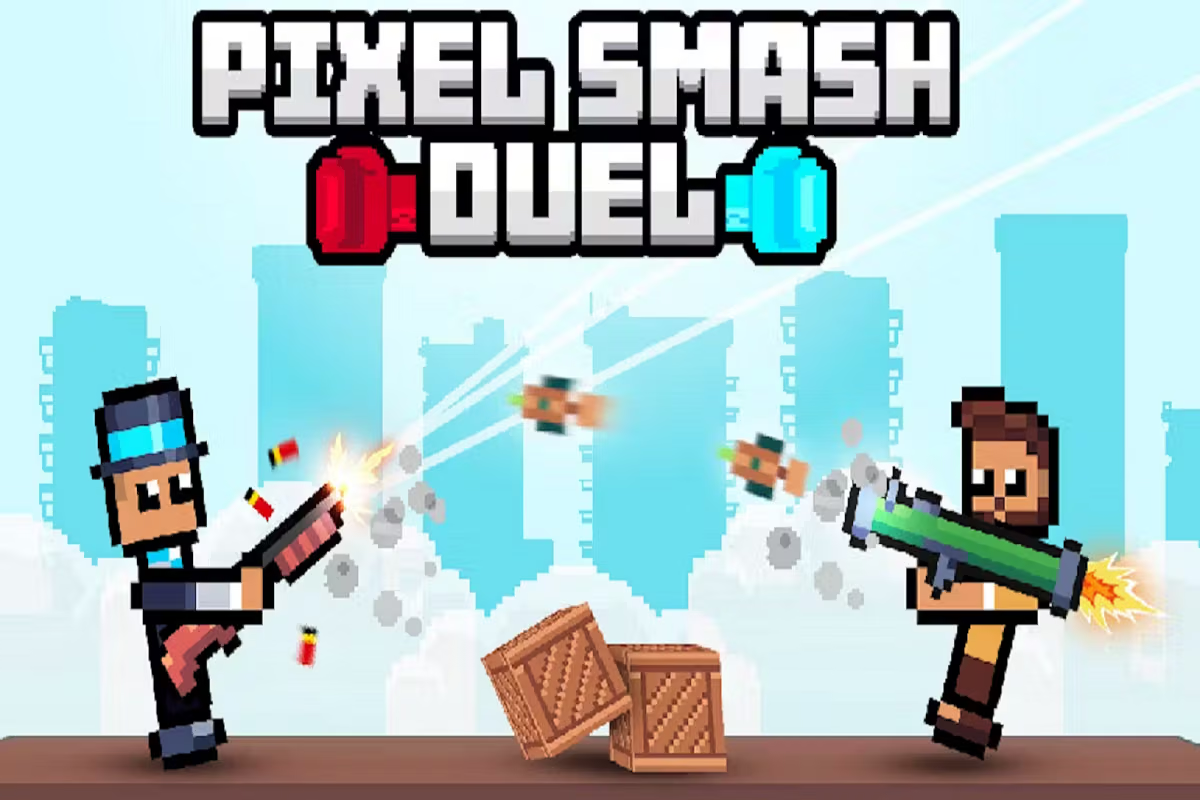
Pixel Smash Duel is a physics-based shooting game with solo and two-player modes. The goal is to push your opponent out of the ring, but the fighters' movement and swinging weapons make aiming less predictable than in a conventional shooter.
Each player has only a jump key and a shooting key. Learning when to use them is the real challenge: a jump changes your position, while a shot can affect the opponent and the flow of the duel. Arenas can change after a win, with differences in appearance and shape.
How to Play Pixel Smash Duel
Choose an opponent, stay aware of the ring's edges, and time your shots as the weapon moves.
- Pick a solo match against the computer or a two-player match with a friend.
- Identify your fighter by color and check the matching controls.
- Watch your gun's angle and the position of the other fighter.
- Jump and shoot to pressure your opponent while staying in the arena.
- After a win, take a moment to read the shape of the next arena.
Controls & Timing
Jumping changes your position
A jump can move your fighter away from a difficult situation, but it also changes where you are relative to the edge and the opponent. Watch where you are likely to land before jumping again.
Fire with the weapon's swing
The gun does not always point in one direction. Follow its motion and release a shot when the angle is useful. If an attempt misses, use that result to adjust the timing of the next one instead of assuming the same input will produce the same outcome.
Controls
| Action | Player 1: blue | Player 2: red |
|---|---|---|
| Jump | W | Up arrow |
| Shoot | E | M |
High Score Tips
- Check the edge before jumping. A useful escape should leave room for your fighter to land.
- Observe your gun. Fire when the changing angle lines up with the opponent rather than pressing at a constant rhythm.
- Change one thing at a time. If a shot misses repeatedly, adjust its timing before adding another jump.
- Use the arena shape. After the setting changes, look for how much space is available on each side.
- Read your opponent's pattern. A friend may jump at a predictable moment; wait for an opportunity instead of mirroring every move.
Key Features
- Pixel-style arenas with changing layouts and appearance.
- Physics-driven fighters and swinging weapons.
- Two actions per player: jump and shoot.
- Solo play against the computer and shared two-player matches.
- A ring-out objective that rewards awareness of position.
Frequently Asked Questions
How do I win an exchange?
The game objective is to push the other fighter out of the ring while keeping yours in play.
What are Player 1's controls?
The blue fighter jumps with W and shoots with E.
What are Player 2's controls?
The red fighter jumps with the up arrow and shoots with M.
Can I play alone?
Yes. Solo mode lets you play against a computer opponent.
Do the arenas change?
Yes. The arena can change after a win, including its shape and appearance.