
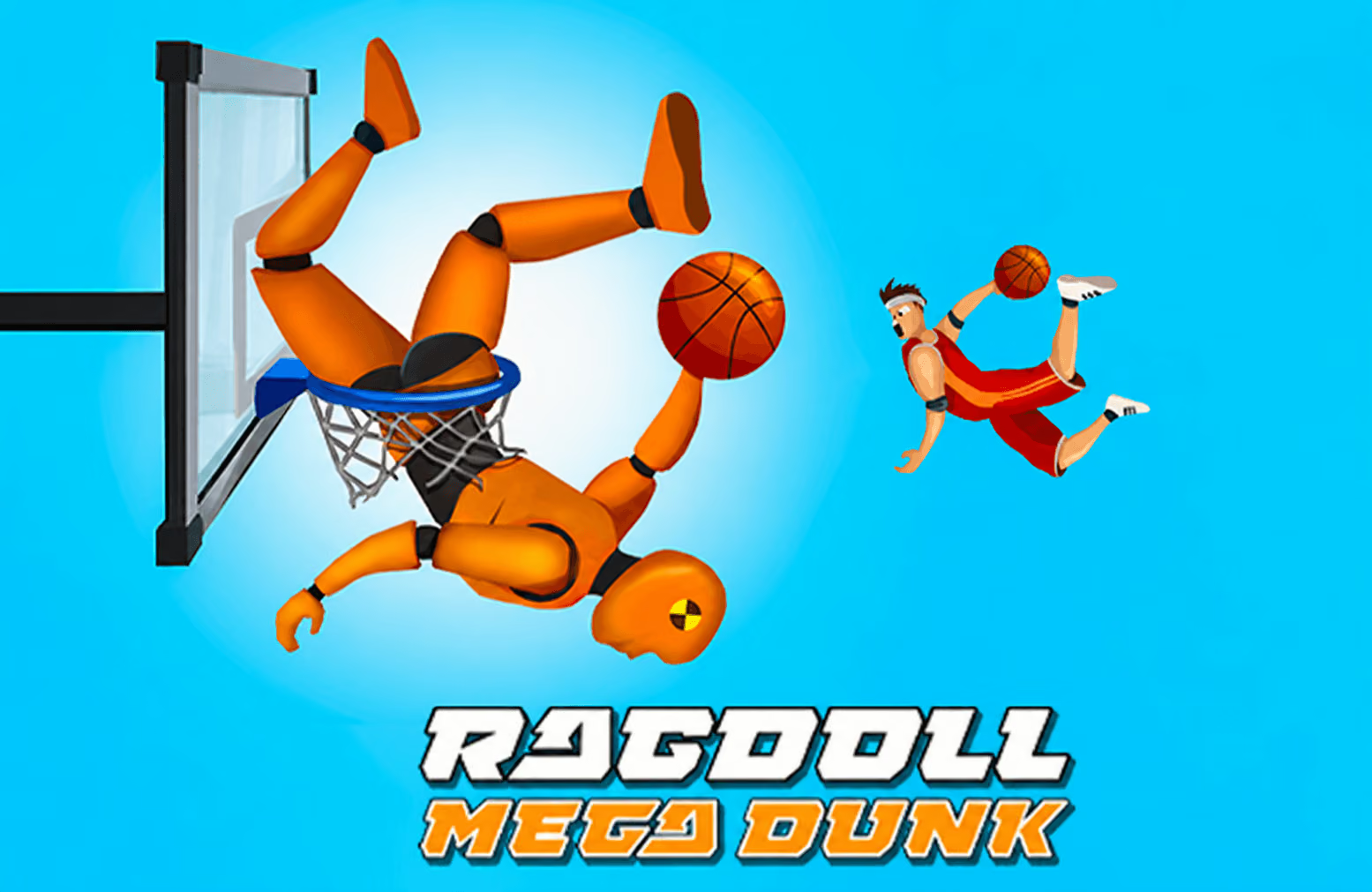
About Ragdoll Mega Dunk
Ragdoll Mega Dunk turns a basketball finish into a launch-and-trajectory challenge. You pull back with the mouse, release the athlete, and follow the flight toward a hoop. Walls, platforms, and other objects can change that path, so a successful dunk depends on the entire route rather than the initial direction alone.
Successful dunks can earn coins to unlock additional characters. When a new course introduces another obstacle, return to a simple launch and observe the first interaction before making a larger adjustment.
How to Play Ragdoll Mega Dunk
Aim the launch, set its power with your pull distance, and follow the athlete toward the basket.
- Locate the hoop and note the objects between it and the starting point.
- Drag the mouse backward to set the launch direction.
- Adjust the pull distance to choose the amount of power.
- Release the left mouse button to launch the athlete.
- Observe the path and any bounce before adjusting the next attempt.
Controls & Timing
Aim and power are separate choices
The direction of the drag sets the intended route, while pull distance adjusts the launch power. If an attempt misses, change one of those choices first so you can tell how the adjustment affected the flight.
The first contact can redirect the attempt
An obstacle or platform may change the athlete's route before the hoop. Watch where that contact occurs and where it sends the character; the most useful adjustment may be to the approach to the obstacle rather than the final direction toward the basket.
Controls
| Input | Action | When to use |
|---|---|---|
| Drag mouse backward | Aim the launch | Set the starting direction. |
| Change pull distance | Adjust launch power | Compare the strength of attempts. |
| Release left mouse button | Launch | Begin the athlete's flight. |
High Score Tips
- Read the route before aiming. Identify the hoop and any surface likely to affect the athlete on the way there.
- Establish a baseline pull. Try a moderate launch, then note where the athlete first meets the course. That point gives you a reference for the next attempt.
- Adjust one variable. Keep the direction familiar while changing pull distance, or keep the power similar while changing the angle. The result is easier to interpret.
- Follow rebounds to the end. A first contact may create a useful route toward the hoop. Watch the entire flight before deciding the attempt failed.
- Treat each new layout as a new problem. A later obstacle may require a different approach even if the same launch worked on an earlier stage.
Key Features
- Mouse-aimed launches: Set direction and power before releasing.
- Basketball targets: Guide the athlete toward the hoop.
- Physics interactions: Platforms and objects can redirect the flight.
- Changing layouts: Later stages introduce different arrangements.
- Character unlocks: Coins from successful dunks support additional content.
Frequently Asked Questions
How do I launch the athlete?
Drag the mouse backward to aim and adjust the pull distance, then release the left mouse button. Watch the resulting path to decide what to change next.
What changes the launch power?
The distance you pull the mouse adjusts the power. Compare a shorter pull with a longer one while keeping the direction similar.
Why did the athlete change direction in the air?
The course contains objects and surfaces that can affect the ragdoll's movement. Look for the first contact and follow the resulting trajectory toward the hoop.
What are coins used for?
Coins earned from successful dunks can unlock additional athletes and other content. Review the available options in the game before choosing an unlock.