
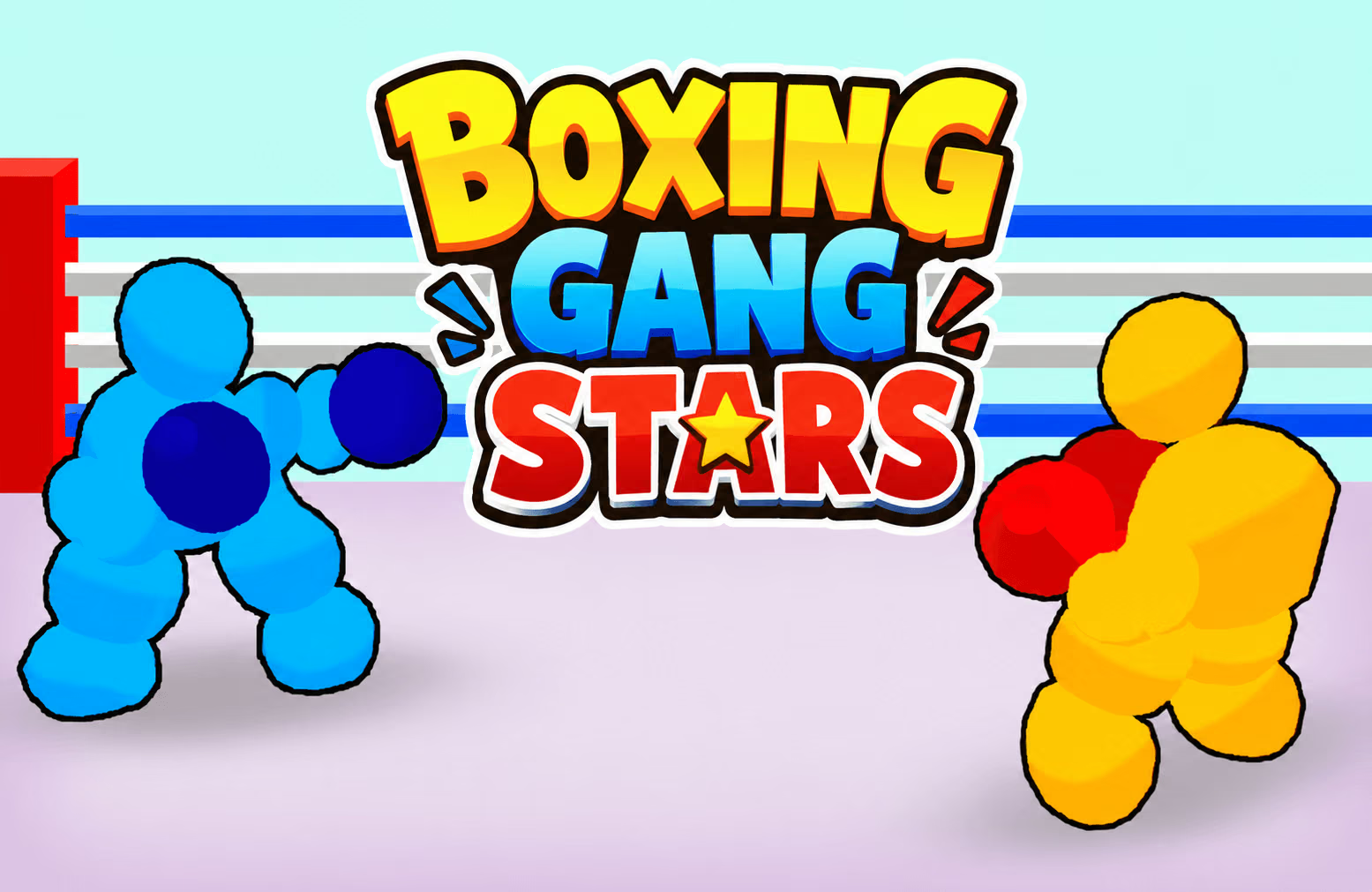

About Boxing Gang Stars
Boxing Gang Stars pairs boxing controls with unsteady ragdoll reactions. Fighters move, block, and throw different punches, but their changing posture makes every exchange a little less predictable. A well-timed defense can create an opening just as easily as a direct attack.
The game supports solo play and local multiplayer. In a shared match, each player has a separate movement cluster, three punch keys, and a block key. That makes the fight more than a contest of speed: you have to manage distance, watch the opponent's movement, and decide when to act.
How to Play Boxing Gang Stars
Pick a match, move into range, and work to knock your opponent down.
- Select a solo fight or a two-player match.
- Find your movement keys and test the three punch inputs.
- Approach the opposing fighter while watching their position.
- Block an attack, adjust your distance, and counter when an opening appears.
- Keep adapting as each fighter's balance changes during the exchange.
Controls & Timing
Movement sets up the punch
A quick attack is less useful if the other fighter is out of range. Move close enough to connect, but keep watching the opponent's body position. The physics can change how a fighter reacts after contact, so reassess before throwing the next punch.
Blocking buys a moment
Use your block key when the opponent commits to an attack. Then decide whether to counter immediately or move into a better position. Experiment with all three punch keys to learn which feels most useful in a given exchange.
Controls
| Action | Player 1 | Player 2 |
|---|---|---|
| Move | WASD | Arrow keys |
| Punch | F, G, or T | K, L, or O |
| Block | E | I |
High Score Tips
- Practice footwork first. Move in and out of range so you can see how distance affects an attack.
- Learn each punch key. Try the three available inputs separately before choosing how to combine them.
- Use the block deliberately. An incoming attack is a good reason to defend; a successful defense can make a counter easier to spot.
- Watch for an unstable opponent. A fighter who has just missed or stumbled may be more vulnerable to a well-timed follow-up.
- Avoid attacking on autopilot. In a two-player match, vary your approach in response to the other person's movement.
Key Features
- Physics-driven boxing with unpredictable reactions.
- Three listed punch inputs and one block input per player.
- Movement controls for positioning around the ring.
- Solo and local two-player matches.
- Arena encounters with changing situations.
Frequently Asked Questions
How does Player 1 block?
Press E. Player 2 uses I.
Which keys does Player 2 use to move?
Player 2 uses the arrow keys and punches with K, L, or O.
Can I play against a friend?
Yes. Local multiplayer gives each player a separate set of controls.
Is there only one punch button?
No. Each player has three punch keys to try.
Why did my attack miss?
Distance, timing, and the fighters' positions can affect an exchange. Try adjusting your position before attacking again.